GitHub-First Handoff Checklist for AI-Generated React and Supabase Apps
A practical GitHub-first checklist to harden AI-generated React/Supabase apps into reviewable, maintainable production code.
By Casey
Why a GitHub-first handoff matters for AI-generated apps
AI can get you to a working React and Supabase prototype fast, but prototypes often hide risks: unclear ownership, missing migrations, inconsistent formatting, and unreviewed security decisions. A GitHub-first handoff turns “it works on my machine” into code that’s easy to review, test, deploy, and extend. It also creates an auditable trail—issues, pull requests, and releases—so future engineers can understand what changed and why.
If you’re using a builder like Lovable, you already start from a standard stack (React, Supabase, Tailwind) and can sync/export to GitHub. The checklist below assumes that’s your goal: keep the speed of AI generation, then convert it into maintainable, production-ready code via a disciplined repository workflow.
Practical checklist for a maintainable GitHub handoff
1) Establish the repo as the source of truth
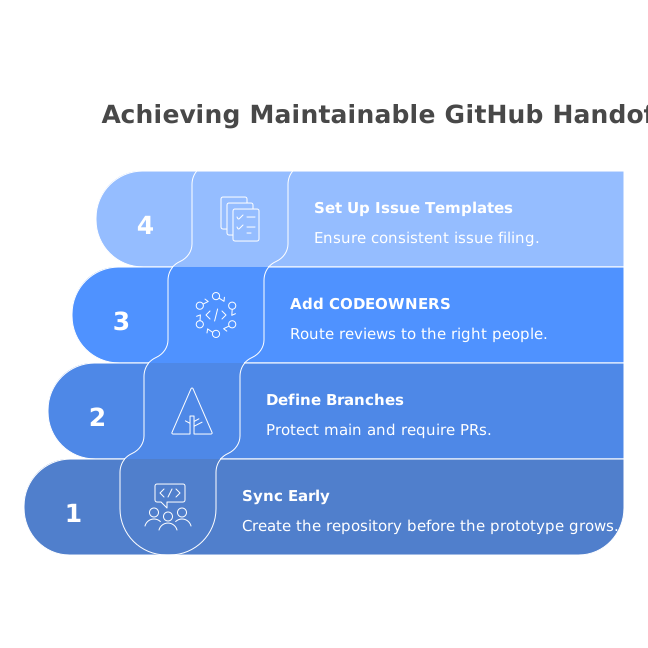
- Sync early: create the repository before the prototype grows. Commit often so changes remain reviewable.
- Define branches: protect
main(ormaster) and require PRs. Use short-lived feature branches for fixes and improvements. - Add a CODEOWNERS file: route reviews to the right people (frontend, backend, security).
- Set up issue templates: bugs, security concerns, and “handoff questions” should be easy to file consistently.
2) Make the project runnable from a clean clone
- Write a real README: prerequisites, install steps, how to run locally, how to run tests, and common troubleshooting.
- Pin Node and package manager versions: include
.nvmrc(or.node-version) and specify npm/pnpm/yarn in the README. - One-command dev start: engineers should be able to run
install+devwithout manual tweaks. - Document environment variables: provide
.env.examplewith descriptions (never commit secrets).
3) Normalize code style so reviews focus on logic
- Formatting: add Prettier and run it in CI.
- Linting: configure ESLint with React rules and fail the build on serious issues.
- Type safety: if you’re using TypeScript, ensure strict-ish settings and remove
anywhere it hides contract problems. - Folder conventions: separate
components,features,lib, andpages/routesso the structure is predictable.
4) Lock down Supabase configuration and migrations
- Schema is code: ensure database changes are represented as migrations, not “click-ops only” edits in the dashboard.
- Seed data: include an optional seed script for local development and predictable QA.
- Row Level Security review: verify every table has intentional RLS policies. “It works” often means “it’s open.”
- Auth flows: document providers, redirects, and session handling; confirm logout and token refresh behaviors.
5) Separate configuration, secrets, and runtime concerns
- No secrets in the client: confirm that only public keys are shipped to the browser and server-only logic stays server-side.
- Environment tiers: explicitly support dev/staging/prod variables. Avoid ad-hoc values hardcoded in components.
- Feature flags: if AI introduced experimental UI paths, gate them with a simple flag mechanism.
6) Audit dependencies and remove prototype shortcuts
- Trim packages: remove unused UI kits, duplicate date libraries, or abandoned utilities added during experimentation.
- Check licensing: confirm dependencies are acceptable for your distribution model.
- Security scanning: enable Dependabot (or equivalent) and set a policy for updating vulnerable packages.
7) Add basic tests that protect critical paths
- Start with smoke tests: render key screens and validate that the app boots.
- Component tests for risky UI: forms, billing screens, and auth-related UI deserve coverage first.
- API contract tests: verify Supabase queries and edge cases (empty states, permission failures).
- CI integration: run tests on every PR so the team trusts
main.
8) Make performance and accessibility reviewable
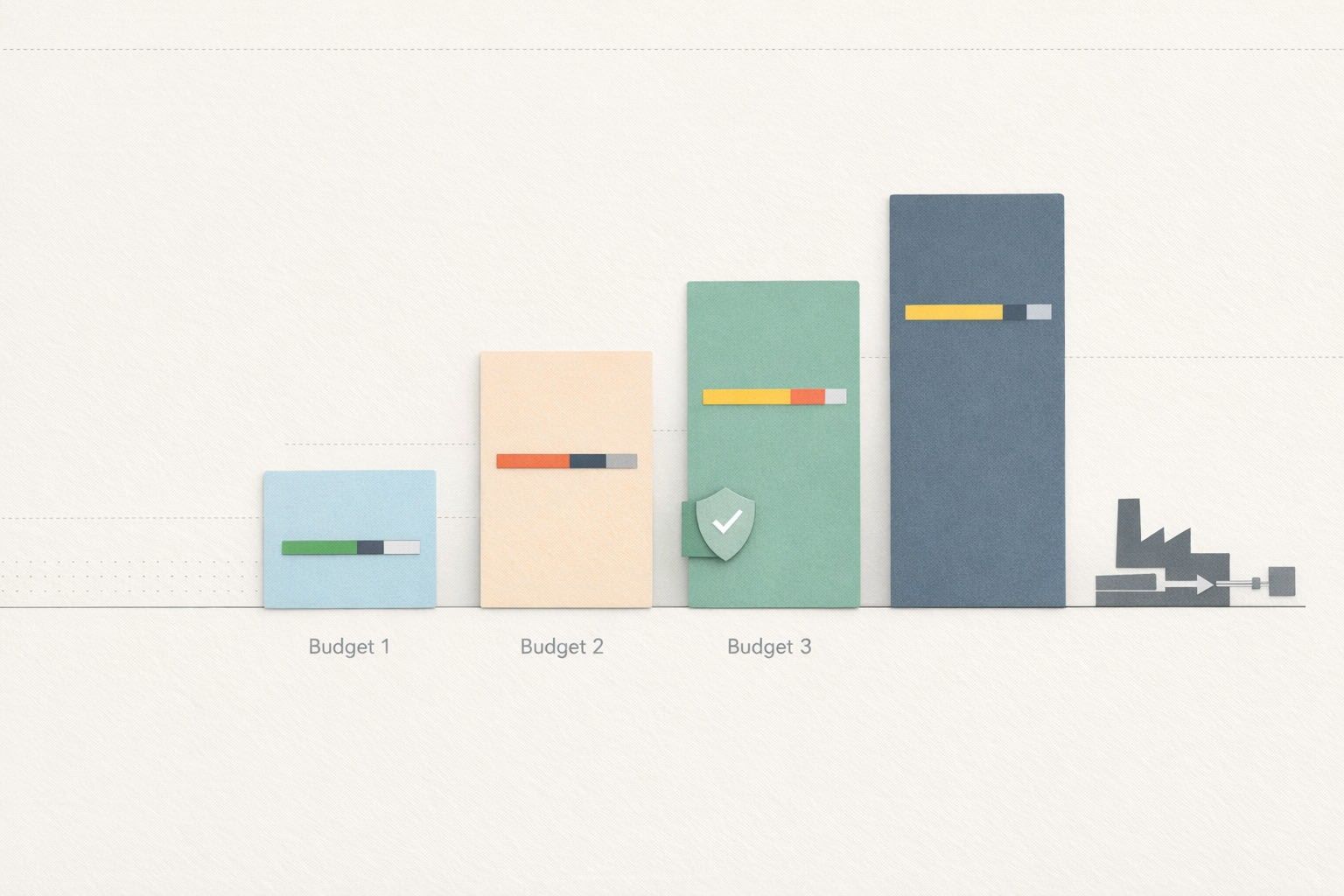
- Performance budgets: watch bundle size and avoid accidental regressions from AI-added components.
- Accessibility basics: keyboard navigation, proper labels, focus states, and color contrast—especially if Tailwind styles were generated quickly.
- Error boundaries and loading states: ensure users see intentional UI for failures and slow queries.
9) Define PR scope and acceptance criteria
- Small PRs: split “make it production-ready” into reviewable chunks: config, migrations, auth/RLS, tests, UI cleanup.
- PR template: include “What changed,” “How to test,” “Screenshots,” and “Security impact.”
- Design review artifacts: capture the intended UX with short notes and screenshots so reviewers know what “correct” looks like.
10) Create a deployment path engineers can trust
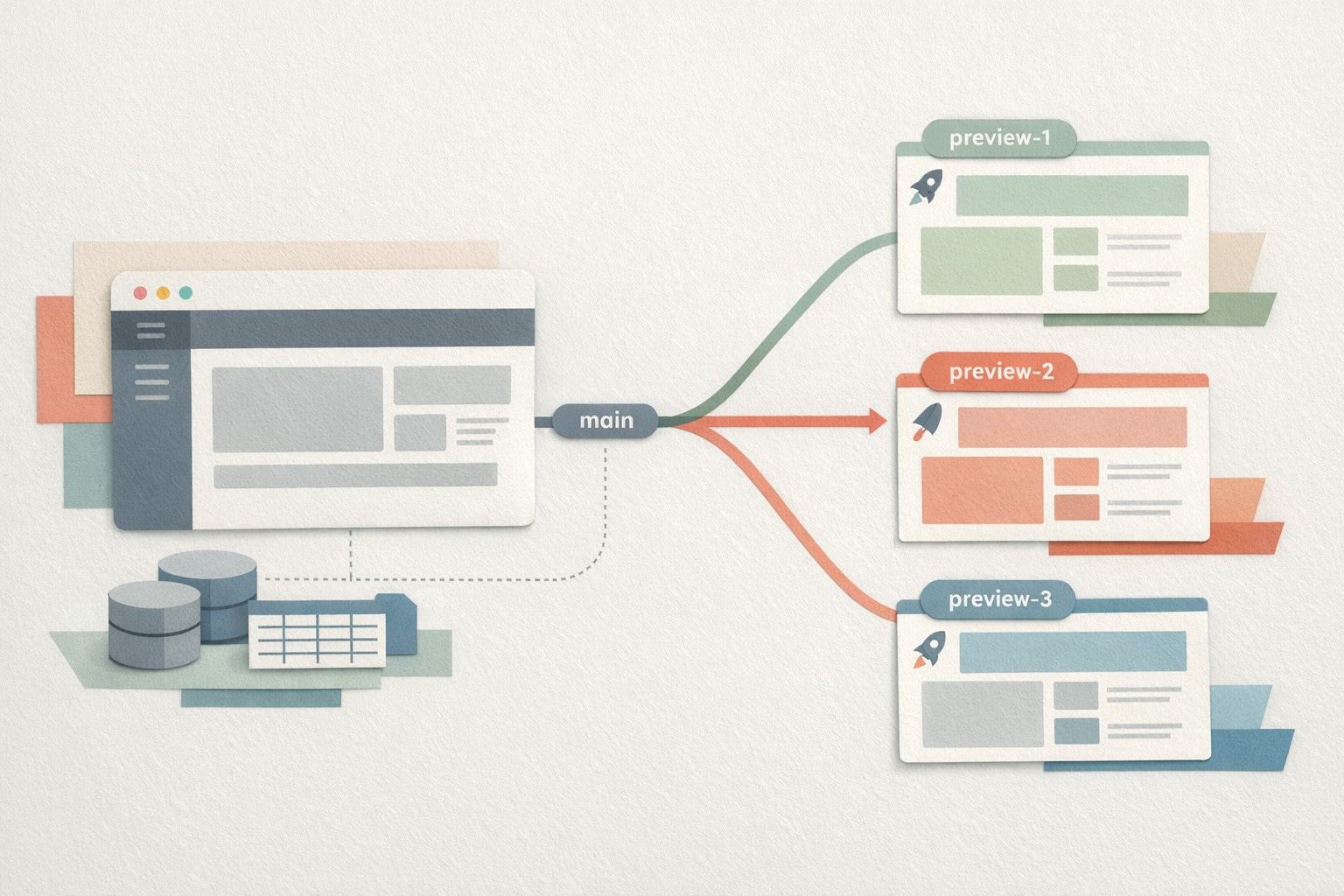
- Staging environment: deploy every merge to staging, not just to production.
- Release tagging: use tags or GitHub Releases so rollbacks and comparisons are straightforward.
- Operational runbook: document how to rotate keys, respond to incidents, and verify database changes.
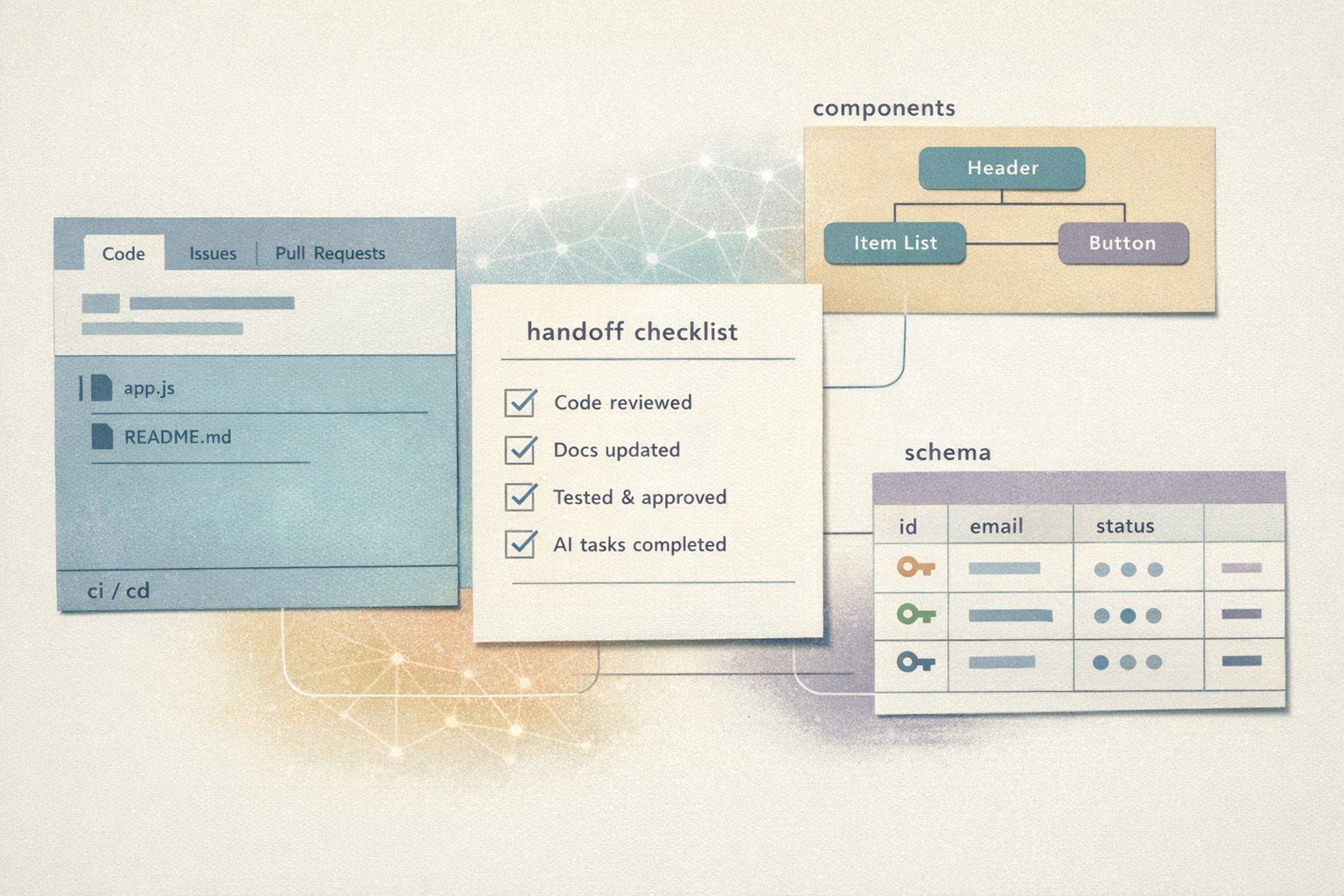
How to use this checklist in a real handoff
A practical way to apply the list is to treat it like a backlog. Create one GitHub issue per checklist section, then work through them as PR-sized units. The first PR should usually focus on “run from a clean clone” plus formatting and linting—because every later change becomes easier to review once the repo is standardized. Next, lock down Supabase migrations and RLS policies, then add tests and CI. Only after that should you optimize performance or refactor components, because you’ll have guardrails.
If your app was generated or iterated inside Lovable, keep the loop tight: make a change, sync to GitHub, open a PR, review, and merge. That rhythm preserves the speed benefits while ensuring the end product looks like a normal, well-maintained React/Supabase codebase—something any engineering team can confidently own.