Why Shared Tracking Domains Hurt Gmail and Microsoft 365 Deliverability and How to Restore Trust
Shared tracking domains can hurt Gmail and Microsoft 365 inboxing. Learn how dedicated tracking and warmup restore trust.
By Casey
Shared tracking domains are a hidden deliverability risk
Most outbound teams adopt a “set it and forget it” approach to link tracking: use the default domain provided by an ESP, a sales engagement tool, or a marketing automation platform, then rely on the click data inside dashboards. The problem is that these default tracking domains are often shared across many customers. When one tenant abuses the system (or simply runs poor list hygiene), the tracking domain’s reputation can degrade—and your legitimate email ends up paying part of the price.
In 2026, Gmail and Microsoft 365 filters are not only evaluating your From domain and IP reputation; they also take a broad view of what your message points to and how those destinations behave at scale. Shared tracking domains and link redirectors can quietly become the weakest link in an otherwise clean sending program.
Why redirectors attract stricter scrutiny from mailbox providers
They are a common pattern in abuse
Redirect chains are frequently used to disguise final destinations. That is not inherently malicious—legitimate email analytics uses redirectors to measure clicks—but the same mechanism is popular in phishing and affiliate spam. Filters learn these patterns and treat heavy redirect usage as a higher-risk signal, especially when combined with other weak indicators (new domains, inconsistent engagement, or abrupt volume spikes).
They concentrate risk across unrelated senders
With a shared tracking domain, multiple senders funnel traffic through the same hostname. If enough bad traffic originates there, the hostname can accrue a negative reputation. Even if your own content is compliant, the shared reputation layer can raise the overall “cost of trust” your email must pay to reach the inbox.
They can create alignment issues between identity and destinations
Modern filtering increasingly rewards alignment: the sending identity (From domain), authentication (SPF/DKIM/DMARC), and the link identity (where users are sent) should feel consistent. A corporate sender domain linking to a generic, third-party redirector can look “off,” even when it’s a perfectly normal analytics setup.
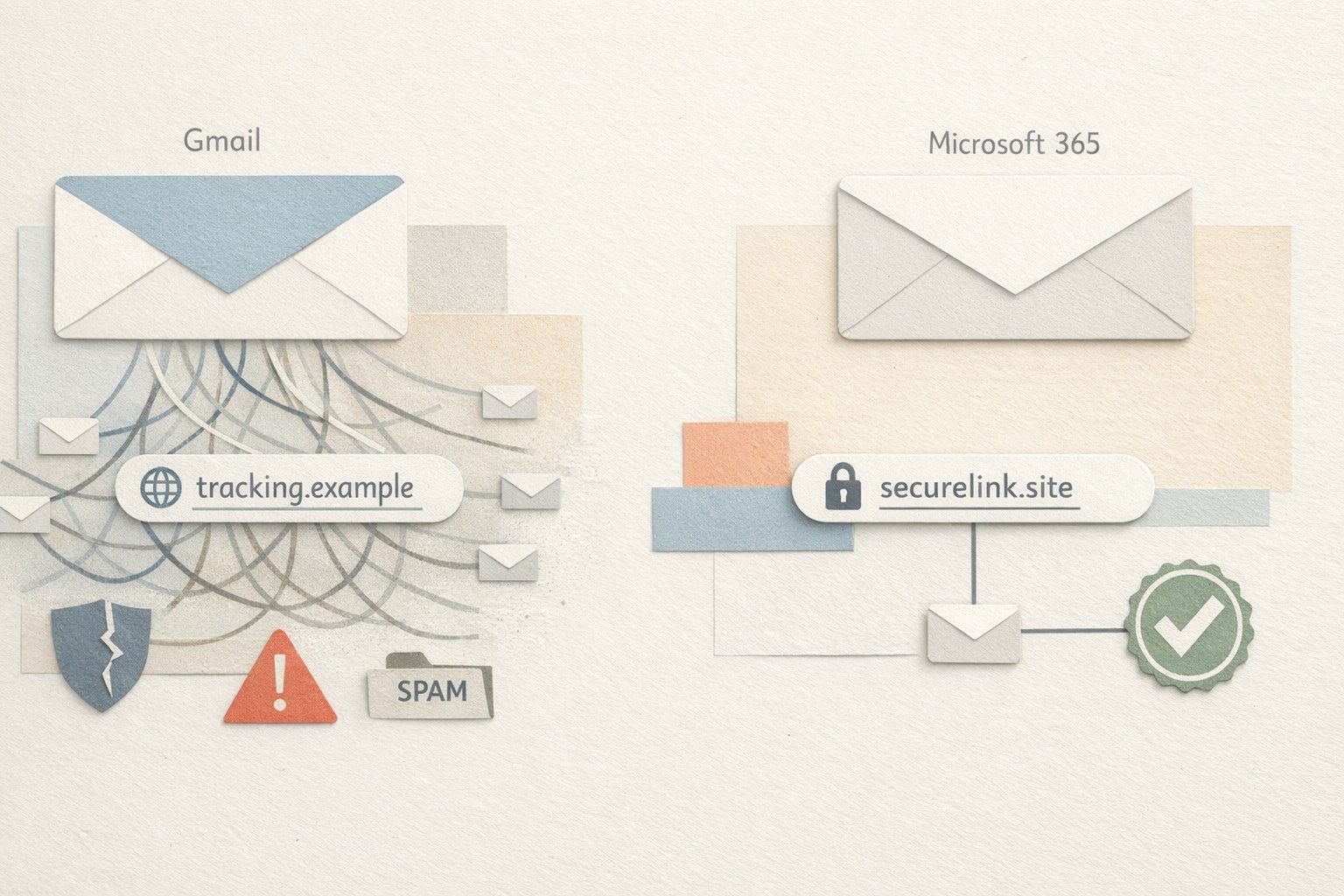
How shared tracking domains can tank Gmail deliverability
Gmail’s filtering is engagement-driven and reputation-sensitive. When your emails route clicks through a shared redirector, several issues can emerge:
- Negative domain reputation by association: if the shared tracking domain is frequently present in spam, Gmail may downrank messages containing it.
- Reduced user confidence: recipients who hover links and see an unfamiliar redirect domain may hesitate to click, depressing engagement signals that Gmail uses heavily.
- Inconsistent brand cues: Gmail users are trained to look for recognizable domains. A mismatch between your brand and the click domain can reduce perceived legitimacy.
None of this requires your sender domain to be “bad.” It’s enough for the tracking layer to be noisy and for engagement to soften over time.
How shared tracking domains impact Microsoft 365 and Outlook filtering
Microsoft 365 (including Outlook.com and Exchange Online Protection layers) tends to be sensitive to URL reputation and detonation-style analysis—where links are evaluated, followed, and scored. A shared redirector can become a recurring risk artifact in that ecosystem:
- URL reputation baggage: if the redirector hostname shows up in malicious campaigns, it may trigger more aggressive filtering or user-facing warnings.
- Time-of-click protection effects: enterprise security stacks often rewrite or analyze URLs; additional redirect layers can amplify complexity and false positives.
- Tenant-level conservatism: corporate tenants may have stricter policies that penalize unfamiliar tracking infrastructure, even when consumer inboxes are forgiving.
Common warning signs your tracking domain is the problem
- Inbox placement drops across both Gmail and Microsoft 365 while authentication and sender reputation appear stable.
- Deliverability issues correlate with campaigns that contain more links (newsletters, product updates, webinars).
- Security banners or “suspicious link” warnings appear more often in Outlook environments.
- Recipients report that links “look weird,” even if your content and From name are consistent.
If these symptoms appear, it’s worth testing sends with and without tracked links and comparing inbox placement. That controlled comparison is often the fastest way to isolate the redirector’s influence.
How to rebuild trust without losing analytics
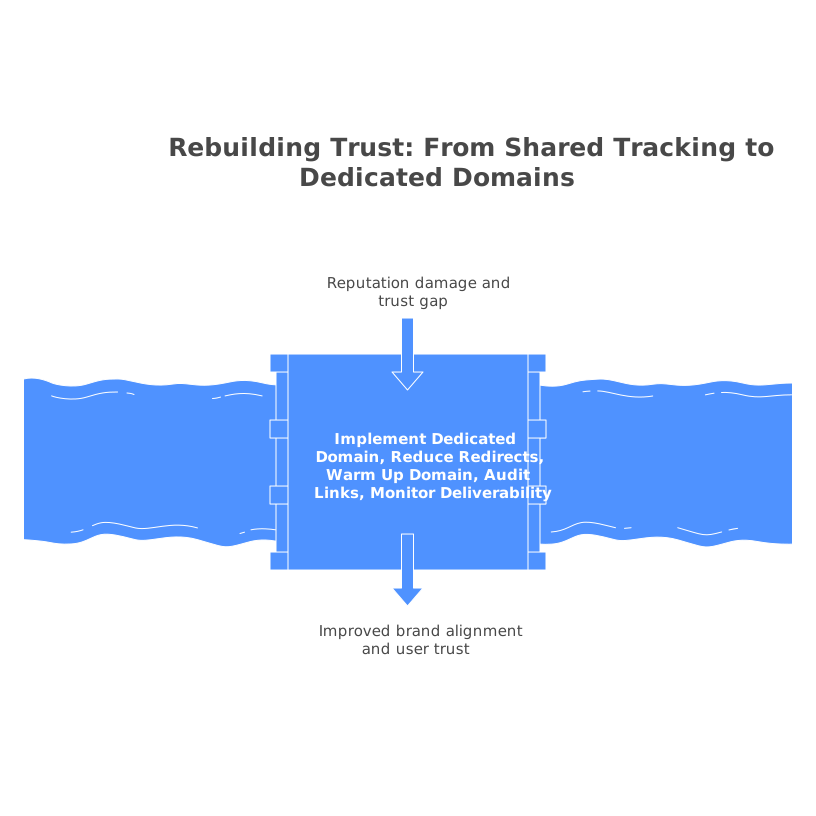
1) Move to a dedicated tracking domain
The most practical fix is to stop using a shared tracking domain and configure a dedicated click domain under your control (for example, a subdomain of your primary brand domain). This preserves analytics while separating your reputation from other senders. It also improves brand alignment: users see a domain that resembles the company they recognize.
When you set this up, ensure that the subdomain is used consistently across tools. Fragmenting click tracking across multiple unrelated domains can reintroduce the same trust gap you’re trying to close.
2) Reduce redirect depth and keep destinations predictable
Where possible, keep redirects to a minimum and avoid long chains. A single redirect for tracking is normal; multiple hops can look evasive. Also keep final landing pages stable, secure (HTTPS), and clearly branded. Consistency matters as much as “cleanliness.”
3) Warm up the new domain and your sending identity deliberately
Any meaningful domain change—especially the introduction of a new tracking subdomain—benefits from a gradual ramp. Pair the change with disciplined sending practices: stable cadence, good list hygiene, and conservative volume increases.
This is also where a deliverability platform can help accelerate recovery. mailwarm focuses on building sender reputation through gradual, automated warmup and positive engagement signals (opens, replies, and inbox interactions) across major providers, which can be useful when you’re rebuilding trust after infrastructure changes.
4) Audit link content and “risk density” per email
Deliverability is rarely one variable. If your email contains many links, shorteners, mixed domains, or aggressive UTM patterns, the overall risk density rises. Standardize your URL structure, remove unnecessary parameters, and make sure every link earns its place.
If you’re handling user feedback or product requests, keep your tracking disciplined so you don’t lose context across systems. The same “identity alignment” thinking used in deliverability applies to data alignment—similar to the idea behind a feedback identity graph that merges signals without breaking attribution.
5) Monitor deliverability with segmented tests
Once you’ve moved off a shared tracking domain, measure results in a way that isolates variables:
- Test Gmail and Microsoft 365 separately.
- Compare identical content with tracked links versus untracked links.
- Track inbox placement and engagement over at least two to four weeks, not just one send.
When recovery is underway, avoid introducing multiple major changes at once (new From domain, new IP, new content style, new tracking). Stagger changes so you can attribute improvements or regressions to a specific cause.
Keeping analytics while making links feel trustworthy
You don’t need to choose between measurement and inbox placement. The goal is to ensure your tracking infrastructure behaves like a natural extension of your brand: dedicated, consistent, low-friction, and reputable. Shared tracking domains can be convenient, but they externalize deliverability risk onto your program. Owning your tracking domain, simplifying redirects, and warming up thoughtfully helps restore trust—while keeping the analytics you rely on.