How to Build No Lock-In AI-Generated Apps With a GitHub-First Workflow
A GitHub-first workflow to audit, refactor, and deploy AI-generated apps without lock-in—so your team owns the code.
By Casey
Why “no lock-in” matters for AI-generated apps
AI app builders can accelerate prototypes, but speed becomes a liability when the output cannot be audited, refactored, or operated like normal software. “No lock-in” in this context means your product is not trapped inside a proprietary editor, runtime, or database abstraction. You can pull the full codebase into GitHub, run it locally, change architecture decisions, introduce tests and CI, and deploy on infrastructure you control.
A GitHub-first workflow is the practical way to ensure ownership. The goal is simple: every meaningful change is visible as a diff, reviewable, testable, and reversible. That lets teams use AI generation for leverage without surrendering the engineering fundamentals that keep products maintainable.
Define “ownership” as auditable code and replaceable infrastructure
When evaluating an AI-generated app, treat “ownership” as a checklist:
- Readable source code in a standard stack (not opaque binaries or a locked editor format).
- Reproducible builds with a documented environment and deterministic dependencies.
- Replaceable services (database, auth, storage) using common interfaces so you can migrate later.
- Operational visibility (logs, metrics, traces) that you can route to your preferred tools.
- Security posture you can verify, including dependency scanning and secrets discipline.
These principles are easier to meet when the app builder produces a conventional repository that can be treated like any other product.
A GitHub-first workflow that makes AI output reviewable
1) Start with a repository boundary, not a canvas
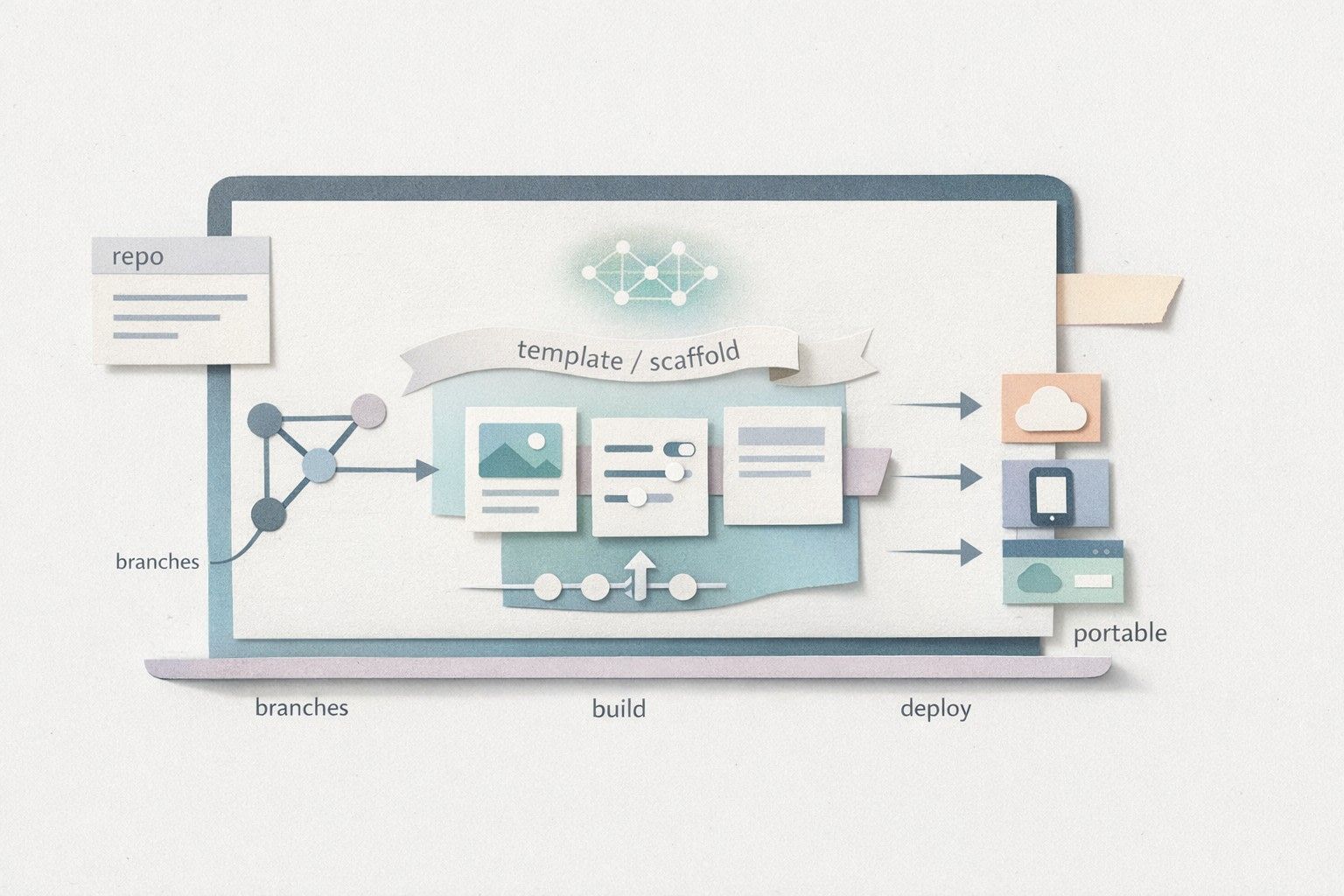
Before generating anything substantial, define the repo’s skeleton: a clear directory structure, a dependency manager, linting rules, formatting, and a basic CI pipeline. This gives AI-generated code a “container” that nudges it toward consistency. Even if you generate in a visual environment, the source of truth should be the GitHub repo.
Platforms such as lovable.dev are built around this premise: projects can sync to GitHub from day one, and the generated app uses a modern, standard stack (React with Supabase and Tailwind). That matters because your team can apply familiar tooling immediately instead of learning proprietary conventions.
2) Generate small, mergeable increments
AI generation is most controllable when changes are incremental. Treat generation like you would treat a junior engineer’s contribution:
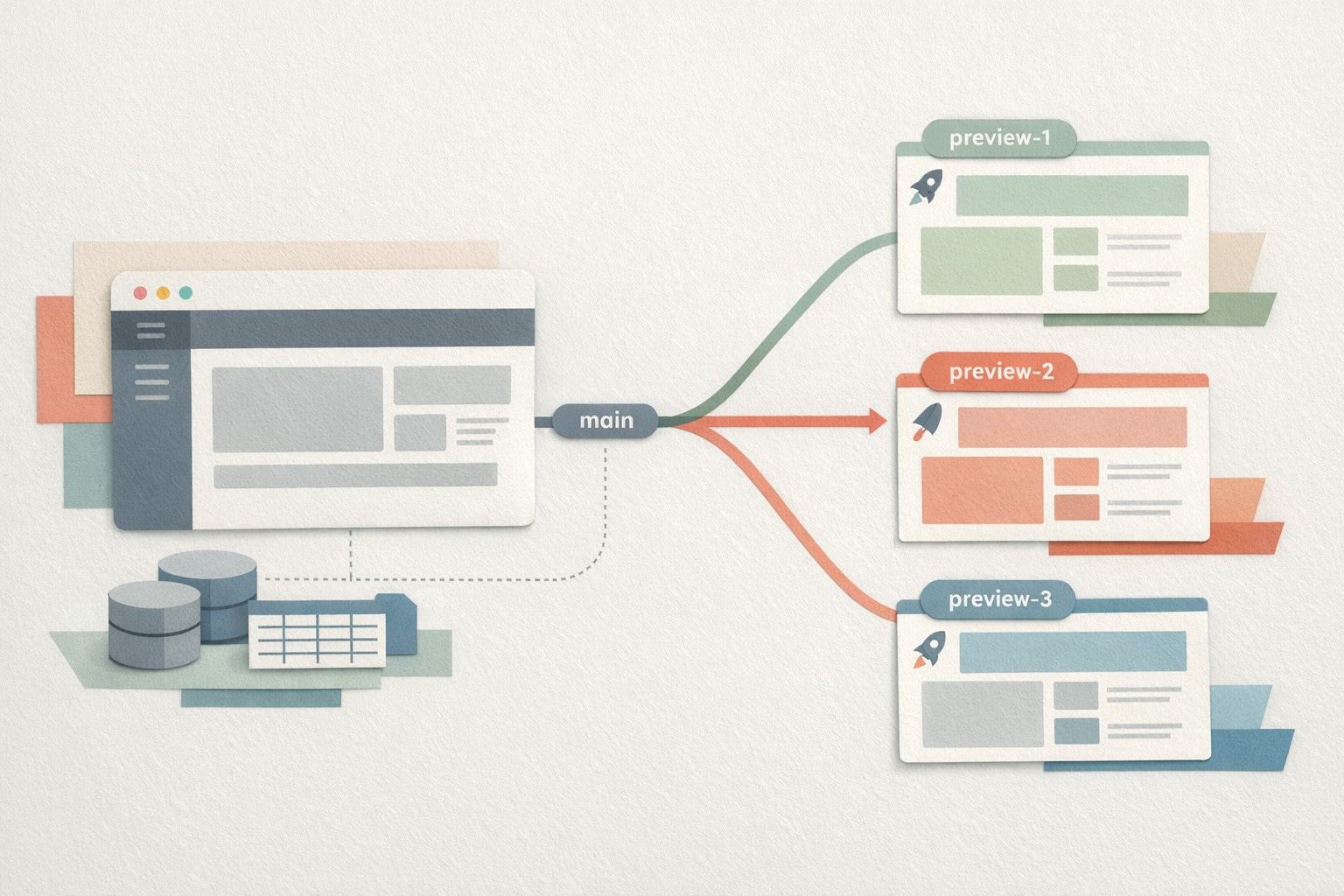
- Create one feature per branch.
- Keep PRs small enough to review in minutes, not hours.
- Require a written “intent” in the PR description: what problem it solves, and what it does not solve.
This reduces the chance that the AI introduces accidental coupling or silently changes unrelated behaviors.
3) Make auditing routine with a code-owner mindset
Auditing AI-generated code is less about catching syntax errors and more about verifying architectural decisions. Reviewers should scan for:
- State boundaries: where data is fetched, cached, and mutated.
- Authorization paths: server-side enforcement, not only client-side checks.
- Data access patterns: N+1 queries, unbounded reads, missing indexes assumptions.
- Secrets handling: environment variables, server-only keys, and avoiding leakage into the client bundle.
- Dependency sprawl: libraries added “just because” that expand attack surface.
Assign CODEOWNERS for core areas (auth, billing, data layer). This keeps accountability human even when code originates from an AI tool.
4) Refactor immediately toward stable seams
AI-generated apps often work end-to-end but have blurry internal boundaries. Refactor early to establish “seams” you can evolve:
- Extract API clients and database calls into a dedicated data layer.
- Centralize authorization checks and error handling.
- Introduce a typed schema or contract for key objects (users, orgs, invoices, content).
- Separate UI components from business logic to prevent duplication as features grow.
The payoff is compounding: every next AI-generated feature can plug into existing seams instead of inventing new patterns.
5) Add tests where AI is weakest: behavior and regression
AI can generate unit tests, but teams should be deliberate about coverage priorities:
- Critical flows: sign-up/sign-in, permissions, checkout, and key CRUD flows.
- Contract tests: API responses and role-based access outcomes.
- Regression tests: for bugs that “feel impossible” but recur after refactors.
Once a baseline exists, require tests for any PR that touches sensitive modules. The goal is not perfect coverage; it is preventing drift while continuing to iterate quickly.
Operational ownership: deploy and observe like a normal product
Ownership includes knowing what happens in production. Two practical steps make a large difference:
- Instrument early: standard logs and structured error reporting so you can trace incidents back to a PR.
- Trace scheduled and background work: many “AI-built” apps end up with ad-hoc cron jobs. Converge those into code-defined workflows you can review, test, and trace.
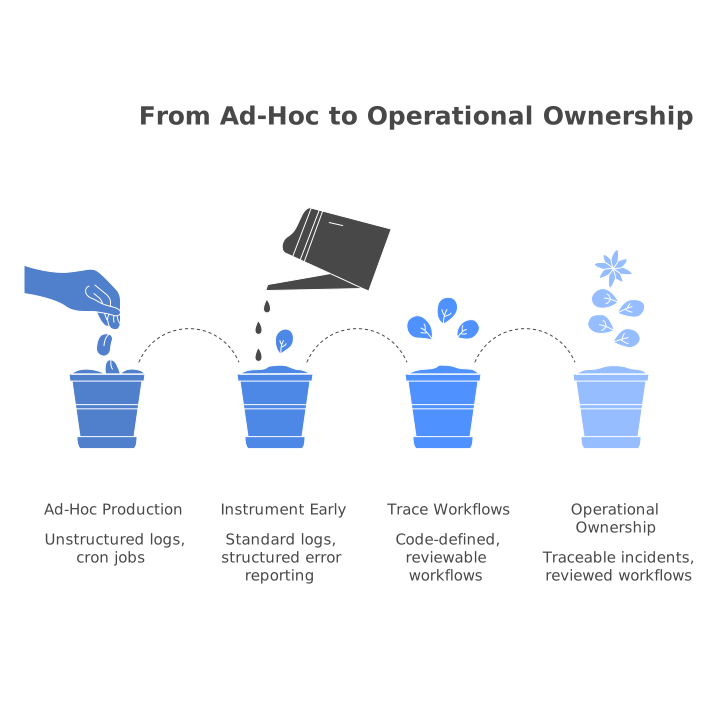
If your product has background tasks, it is worth planning for a path from cron sprawl to code-defined DAGs with traceability. The discipline described in Migrating Cron Sprawl to Code-Defined DAGs With OpenTelemetry Traceability maps well to AI-generated systems because it turns invisible automation into observable, reviewable code.
A practical checklist for avoiding lock-in over time
Lock-in rarely appears on day one; it accumulates. Use this checklist quarterly:
- Repo health: does the GitHub repo still represent the full system, including migrations and infra config?
- Portability: can you run locally with one command and a documented environment?
- Data exit plan: do you have a tested export path for the database and files?
- Provider boundaries: are auth/storage/payment integrations encapsulated behind adapters?
- Security posture: automated scans, least-privilege keys, and clear ownership for incident response.
When the app builder’s output is standard code and your workflow is GitHub-first, these items become normal engineering tasks rather than emergency migrations.
How to use AI generation without losing engineering control
The most effective teams treat AI as a high-throughput contributor, not an authority. They preserve control by keeping GitHub as the system of record, insisting on small PRs, and investing early in refactoring seams and production visibility. When the underlying stack is familiar—such as React, Supabase, and Tailwind—your team can keep shipping while still owning every line that matters.