Feedback Triage Playbook for Deduping and Routing Product Requests
A practical playbook to dedupe, classify, and route feedback from support, sales, and community into one prioritized queue.
By Casey
Why feedback triage fails when it lives in three places
Most product organizations don’t lack feedback—they lack a reliable system for turning it into one prioritized queue. Requests arrive through support tickets, sales calls, community threads, and ad hoc Slack messages. Each source has different levels of detail, different stakeholders, and different incentives. The result is predictable: duplicates pile up, the loudest channel wins, and product teams spend more time reconciling inputs than deciding what to build.
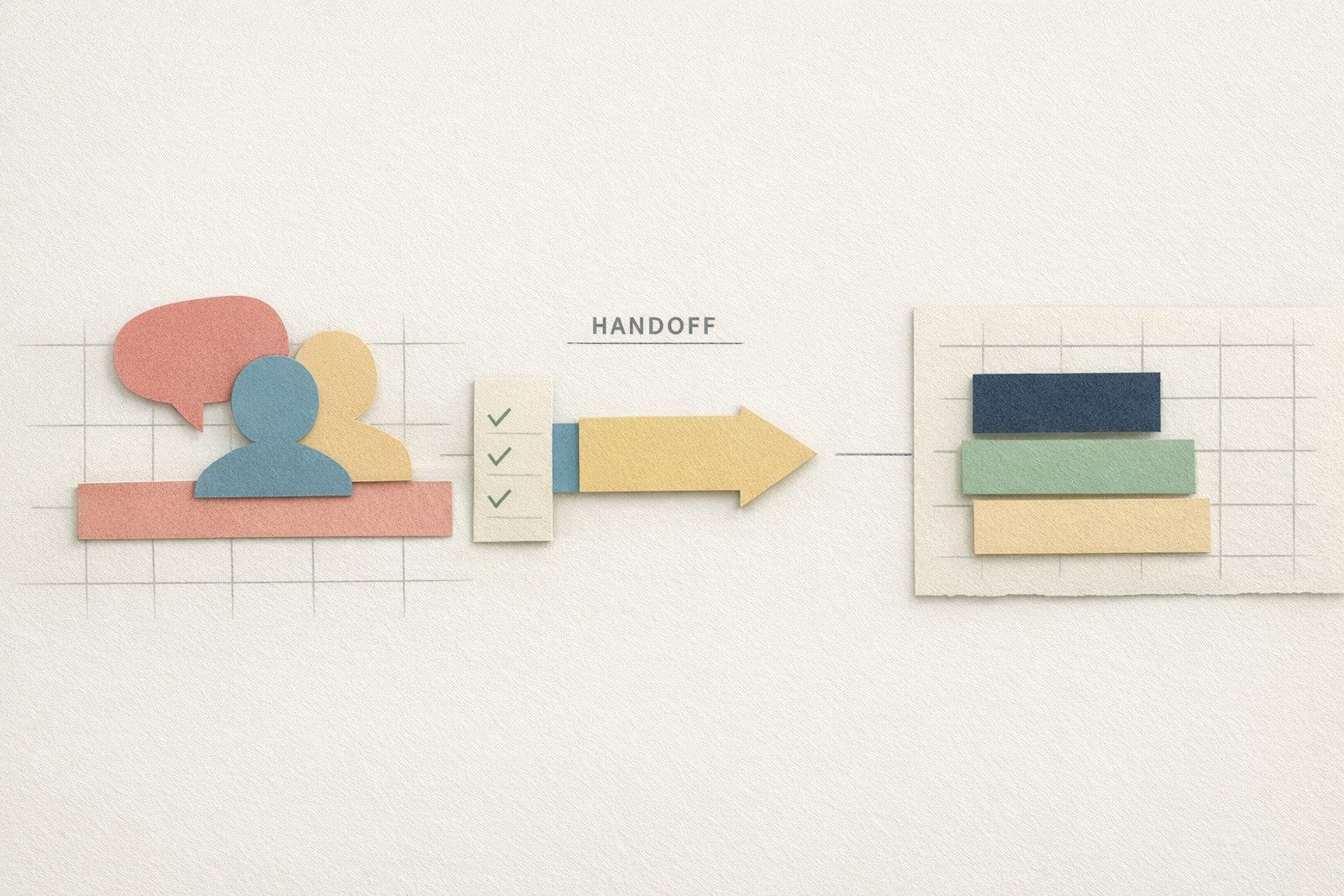
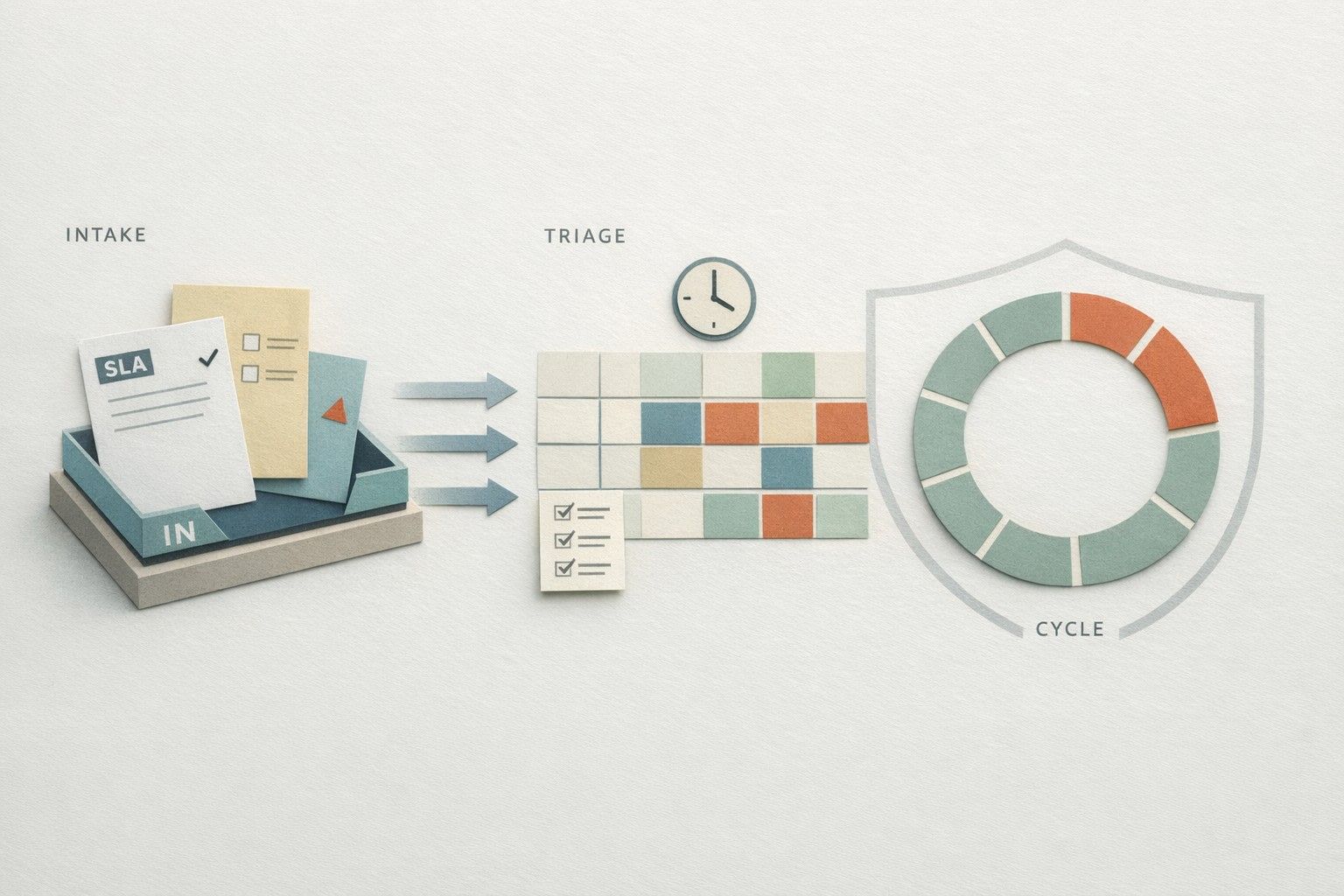
A solid “feedback triage” playbook does three things well: it automatically deduplicates similar requests, classifies them consistently, and routes each item to the right owner with the right context. Done properly, triage becomes a daily operational loop—not a quarterly cleanup project.
Step 1: Normalize inputs into a single canonical feedback object
Auto-dedupe and auto-routing only work if every incoming request can be represented in a consistent shape. Treat every signal—ticket, call snippet, community post—as a “feedback object” with fields you can trust:
- Source (Support, Sales, Community, In-product, Internal)
- Raw text (verbatim request and surrounding context)
- Customer/account identifiers (plan, segment, ARR, region)
- Product area (module, platform surface, integration)
- Problem statement (what they’re trying to achieve)
- Proposed solution (if they suggest one)
- Evidence (links to ticket, call timecode, thread URL)
This is where a customer feedback platform can reduce operational friction by acting as the canonical system of record. For example, canny.io is designed to centralize requests from multiple channels into one workspace while preserving attribution and customer context.
Step 2: Auto-capture from Support, Sales calls, and Community without losing attribution
Support tickets
Support is usually the highest volume source, but it’s also noisy: many tickets are bug reports, configuration questions, or edge cases. Your capture rules should focus on “feature intent” signals—phrases like “we need,” “can you add,” “missing,” or “blocked without.” The goal is not to import every ticket; it’s to reliably extract the subset that represents product demand.
Sales calls and call summaries
Sales feedback is often more strategic and revenue-tagged, but it can be distorted by deal urgency. To capture it cleanly, store the request plus the business framing: deal stage, ARR impact, and whether it’s a must-have or a nice-to-have. If you ingest from call tools (e.g., Gong/Zoom), ensure the system keeps a trace back to the exact call moment so product can verify intent.
Community threads
Community posts tend to be better articulated and already partially deduped by discussion. Capture should pull the original post, the top comments, and reactions/upvotes. Just as important: keep the thread link as “evidence” so triagers can see real-world examples and edge cases.
Step 3: Auto-deduplicate with a two-layer approach
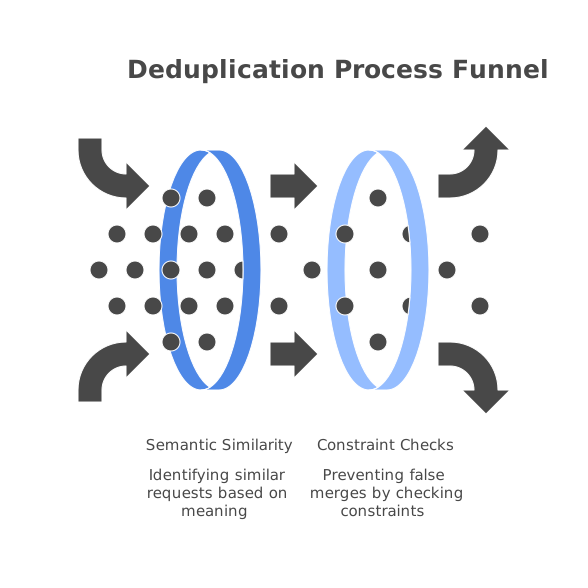
Deduplication is the difference between “a list of requests” and “a queue you can prioritize.” The most reliable systems combine two techniques:
- Semantic similarity to catch different wording for the same underlying need (e.g., “SAML groups mapping” vs. “role sync from IdP”).
- Constraint checks that prevent false merges (e.g., different product areas, different platforms, or mutually exclusive outcomes).
Operationally, it helps to define a threshold policy:
- High similarity: auto-merge and append as another “vote” with attribution.
- Medium similarity: route to a human triager for a merge decision.
- Low similarity: create a new item.
Modern AI-assisted workflows (including Canny’s Autopilot features) can group and dedupe feedback across tools like Intercom, Zendesk, Freshdesk, Gong, and Zoom, reducing the manual merge workload while still keeping each requester attached to the canonical item.
Step 4: Auto-classify into a taxonomy that product actually uses
Classification is where many teams over-engineer. The best taxonomy is small enough to be consistent and rich enough to route work. A practical model uses three tags:
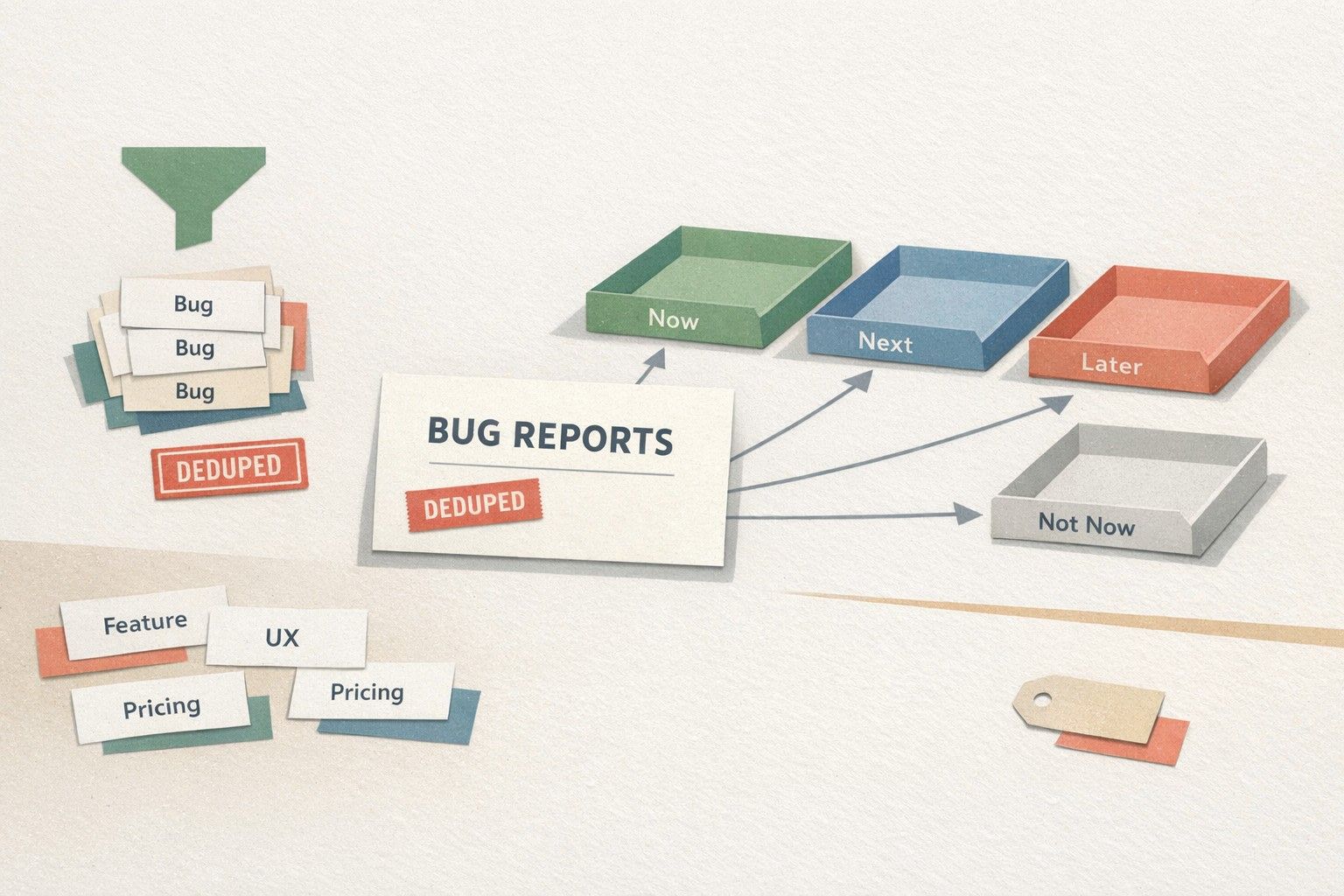
- Type: Feature request, Enhancement, Bug, UX issue, Integration, Performance, Security/Compliance
- Product area: The surface the team owns (Billing, API, Mobile, Permissions, Analytics, etc.)
- Intent: The job-to-be-done (reduce manual work, increase control, improve visibility, meet compliance)
Auto-classification should be treated as a suggestion engine, not an oracle. The playbook that works in practice: let the system propose tags, require a quick confirmation for medium-confidence items, and run weekly audits where triagers correct drift and refine rules.
Step 5: Route feedback with clear ownership and service levels
Routing is not just “send to Product.” It’s “send to the right decision-maker with the right context at the right time.” Define routing rules that map classification to owners:
- Bug → Engineering on-call or QA queue
- Small enhancement → Product area PM with an “intake” SLA
- Security/compliance → Security lead + PM, flagged for evidence quality
- Integration request → Partnerships/Platform PM + Solutions engineering
Set explicit SLAs for triage actions, not delivery. For example: “New high-impact items get an owner within 48 hours,” and “Items tied to an active deal get classified within one business day.” The SLA is what prevents the queue from becoming a graveyard.
Step 6: Prioritize with demand, revenue context, and segment weighting
Once everything is deduped and routed, you can prioritize the canonical queue using a consistent scoring model. A lightweight approach blends:
- Demand: number of unique accounts attached to the item
- Revenue impact: ARR at risk or expansion potential
- Strategic fit: alignment to current product bets
- Effort and risk: engineering complexity, security risk, migration cost
Weighting by segment is often the missing piece. Ten requests from low-intent free users shouldn’t automatically outrank two requests from core customers who drive renewals. Your scoring should reflect your business model, not just raw counts.
Step 7: Close the loop automatically without creating noise
Closing the loop is part of triage, not an afterthought. When a request is merged, status-changed, or delivered, notify the right users with the right message. Automation helps here, but the content needs guardrails:
- When merged: explain the canonical item and invite details that clarify edge cases.
- When planned: set expectations (timeline ranges, not dates you can’t keep).
- When shipped: include what changed, what to do next, and any limitations.
This is also where a public portal and release notes workflow can reduce inbound “any update?” traffic while keeping customers informed through a single channel.
Operational cadence and metrics for a healthy triage system
Make triage measurable. A simple weekly dashboard keeps the system honest:
- New items created vs. items merged (dedupe efficiency)
- Median time to owner (routing speed)
- % items with complete context (quality of capture)
- Top themes by segment/ARR (insight, not volume)
If your organization is also modernizing operational pipelines, it’s worth applying similar discipline to feedback ingestion as you would to scheduled jobs—standardization, traceability, and clear ownership. The same thinking behind migrating cron sprawl to code-defined DAGs with traceability maps well to product feedback flows: every event should be attributable, observable, and routable.