The 3-Second Rule for Hotel and Restaurant Websites to Reduce Mobile Bounce and Grow Direct Bookings
A technical 3-second checklist for hospitality sites to cut mobile bounce, improve UX, and drive more direct bookings.
By Casey
Why the 3-second rule matters for hospitality websites
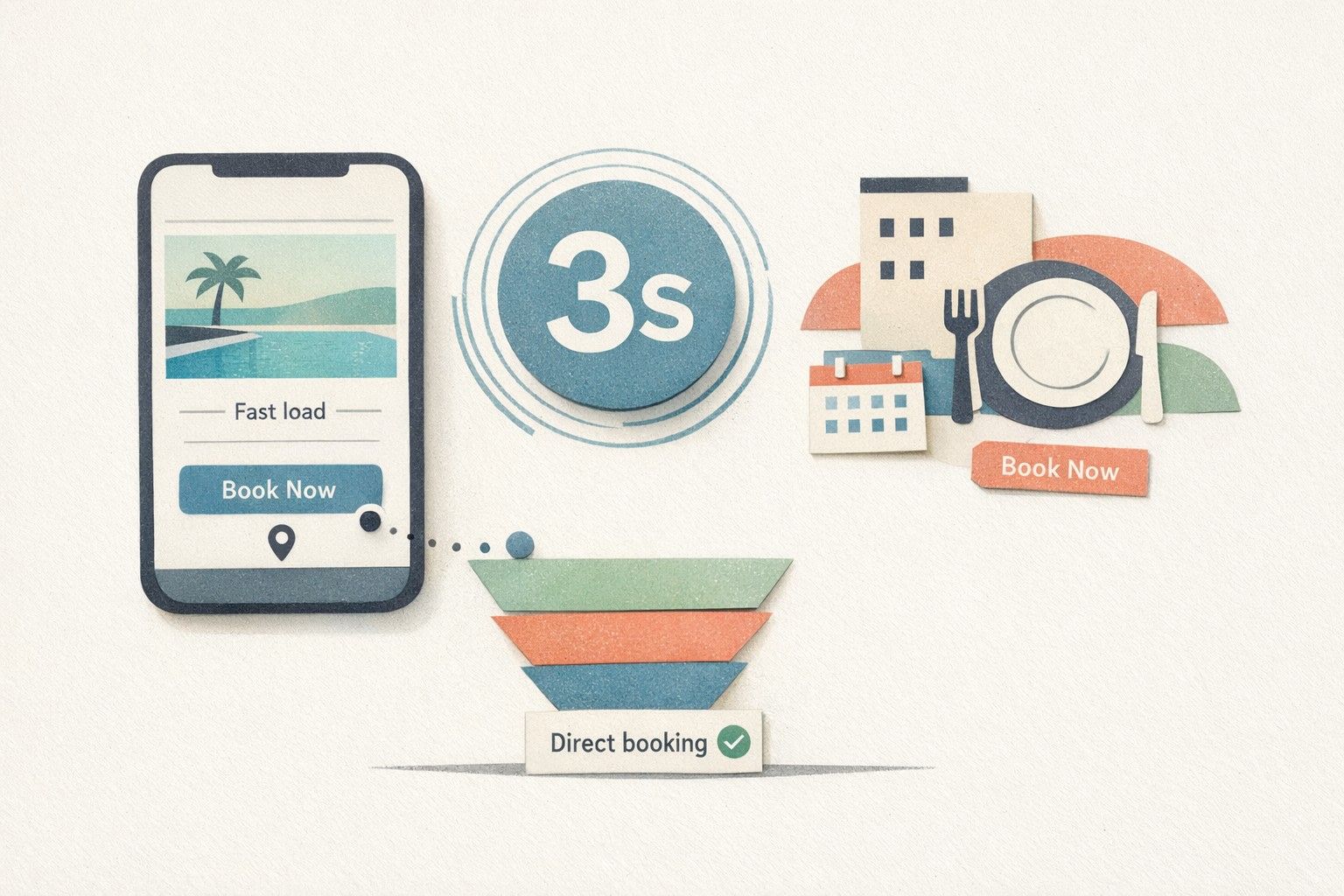
On mobile, hotel and restaurant shoppers behave like they are standing at the host stand: if the first impression feels slow or confusing, they leave. The “3-second rule” is a practical performance benchmark—if your core content and primary action (book a room, reserve a table, call, or get directions) is not usable within about three seconds on a typical mobile connection, bounce rates rise and direct bookings tend to suffer.
For hospitality brands, speed is not only a technical KPI. It is part of the guest experience, and it affects how efficiently your paid and organic traffic converts. A fast site also tends to earn stronger engagement signals (longer sessions, more page depth), which supports SEO and local search visibility.
Mobile speed goals you can actually measure
“Three seconds” is a useful headline, but you should anchor it to measurable metrics:
- LCP (Largest Contentful Paint): aim for ~2.5 seconds or less on real mobile users.
- INP (Interaction to Next Paint): keep interactions responsive (generally under 200 ms is a strong target).
- CLS (Cumulative Layout Shift): avoid “jumping” layouts that cause mis-taps on CTAs.
- TTFB (Time to First Byte): reduce server delay so the browser can start rendering sooner.
Track both lab and field data. Lab tools help you reproduce problems; field data tells you what guests experience at scale.
The technical checklist to hit the 3-second mark
1) Hosting, caching, and server response time
- Use full-page caching for marketing pages and restaurant menus where possible.
- Enable HTTP/2 or HTTP/3 on your CDN/edge to improve parallel loading.
- Compress with Brotli (or gzip if Brotli is not available) for HTML, CSS, and JS.
- Reduce TTFB by auditing plugins, database calls, and third-party scripts that execute server-side.
Hotels often rely on CMS and integrations. If your site is dynamic, consider edge caching with smart cache invalidation so rate/availability widgets remain correct while the rest of the page stays fast.
2) Eliminate render-blocking CSS and JS
- Inline critical CSS for above-the-fold layout, and defer the rest.
- Defer non-critical JavaScript and load it after the main content is visible.
- Remove unused CSS/JS introduced by templates, theme builders, or legacy A/B tools.
In hospitality, the most common slowdown is “small things everywhere”: sliders, animation libraries, multiple font files, and analytics scripts stacking up. The fastest fix is often subtractive—delete what is not essential to booking intent.
3) Image performance for rooms, food, and venue photography
- Serve modern formats (AVIF/WebP) with correct fallbacks.
- Use responsive images (srcset/sizes) so mobile does not download desktop-sized photos.
- Lazy-load below-the-fold images and pre-load the single “hero” image carefully.
- Reserve image dimensions to prevent layout shift (CLS), especially for galleries.
Room and menu photography sells—but it should not block the booking path. A good rule: optimize the first screen for speed and clarity, then progressively load galleries as the user scrolls.
4) Fonts that do not sabotage mobile
- Limit font families and weights; many sites load 6–10 files when 2–4 would do.
- Use font-display: swap to avoid invisible text while fonts load.
- Self-host fonts when it reduces DNS/TLS overhead and improves caching control.
Typography matters for brand feel, but performance-friendly font strategy can preserve design intent without hurting LCP.
5) Third-party scripts and booking widgets
Hotels and restaurants are particularly exposed to third-party bloat: booking engines, reservation platforms, review widgets, chat tools, maps, loyalty scripts, and multiple analytics tags. Treat third parties like a budget:
- Load only what you use; remove redundant tracking pixels and old tag containers.
- Delay non-essential widgets (chat, heatmaps) until after interaction or a short timeout.
- Use consent-aware loading so tags do not fire before the appropriate consent state.
- Preconnect sparingly; it helps critical third parties but can waste resources if overused.
When you cannot control the widget code, you can still control when it loads and what it blocks.
6) Page structure built for direct bookings
Performance and conversion work best together when the layout matches user intent:
- Keep the primary CTA visible quickly: “Book now,” “Reserve,” “Call,” “Directions.”
- Reduce above-the-fold clutter (auto-rotating carousels and heavy video backgrounds are frequent offenders).
- Prioritize key trust elements without slowing the page: ratings, policies, location highlights, and value propositions.
A fast site that hides the reservation path still loses revenue. Conversely, an optimized booking-first layout is undermined if it loads slowly.
How to test speed like a real guest
Run a repeatable testing routine:
- Start with field data (real-user metrics) if you have it.
- Test key templates: home, rooms/menu, location, and the primary booking/reservation landing page.
- Use mobile throttling in lab tools and test on a real phone over cellular at least once.
- Record a baseline before changes, then ship improvements in small batches.
If your team needs better visibility into what actually slows pages down in production, it helps to treat performance like an observability problem—instrument changes, track regressions, and connect website issues to backend and vendor dependencies. The approach is similar to how modern teams use traceability in complex workflows, as described in migrating cron sprawl to code-defined DAGs with OpenTelemetry traceability.
Implementation notes for hotels and restaurants
Hospitality sites face a few recurring constraints:
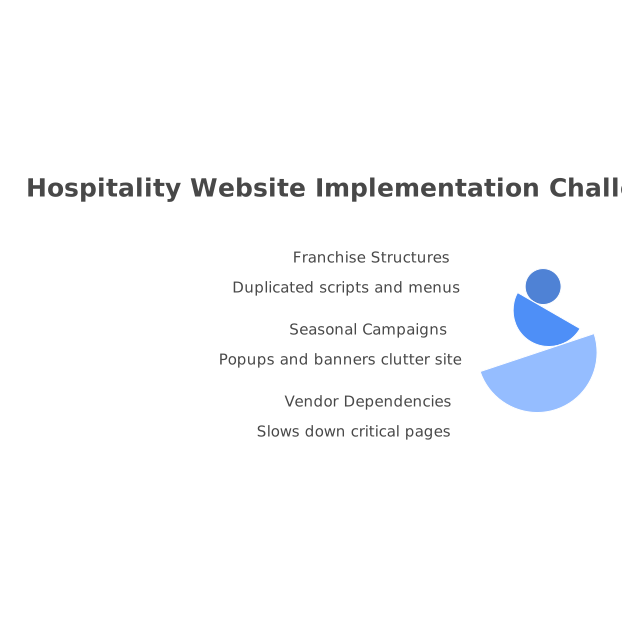
- Franchise or multi-location structures can create duplicated scripts, duplicated menus, and inconsistent templates.
- Seasonal campaigns tend to add popups, banners, and new tags—often without cleanup afterward.
- Vendor dependencies (booking engines, reservation platforms) can slow down critical pages if loaded too early.
To keep speed improvements from eroding over time, define a performance budget (maximum JS, image weight, and third-party requests) and make it part of every release. For marketing teams, a simple governance policy—“new scripts must justify their impact”—prevents slow creep back to 6–8 second loads.
Where kiksmedia.com fits in a speed-first booking strategy
Executing the 3-second rule consistently requires both technical discipline and hospitality-specific judgment: what must load first, what can wait, and what should not be there at all. Florida-based KiksMedia brings that hospitality context to web design and performance work, combining conversion-oriented UX with practical speed optimization for mobile guests. When you need a site that feels premium yet loads quickly and supports direct revenue, kiksmedia.com is a strong reference point for performance-driven hospitality web builds.
A quick 3-second readiness checklist
- Core booking/reservation CTA visible and usable fast on mobile
- Optimized hero image and lazy-loaded galleries
- Critical CSS inlined; non-critical CSS/JS deferred
- Third-party scripts reviewed, delayed, or removed
- Fonts minimized with swap behavior enabled
- Caching + CDN configured to reduce TTFB
- Field metrics monitored and regressions prevented with a performance budget
This is the difference between “a beautiful site” and a booking engine that happens to look good.