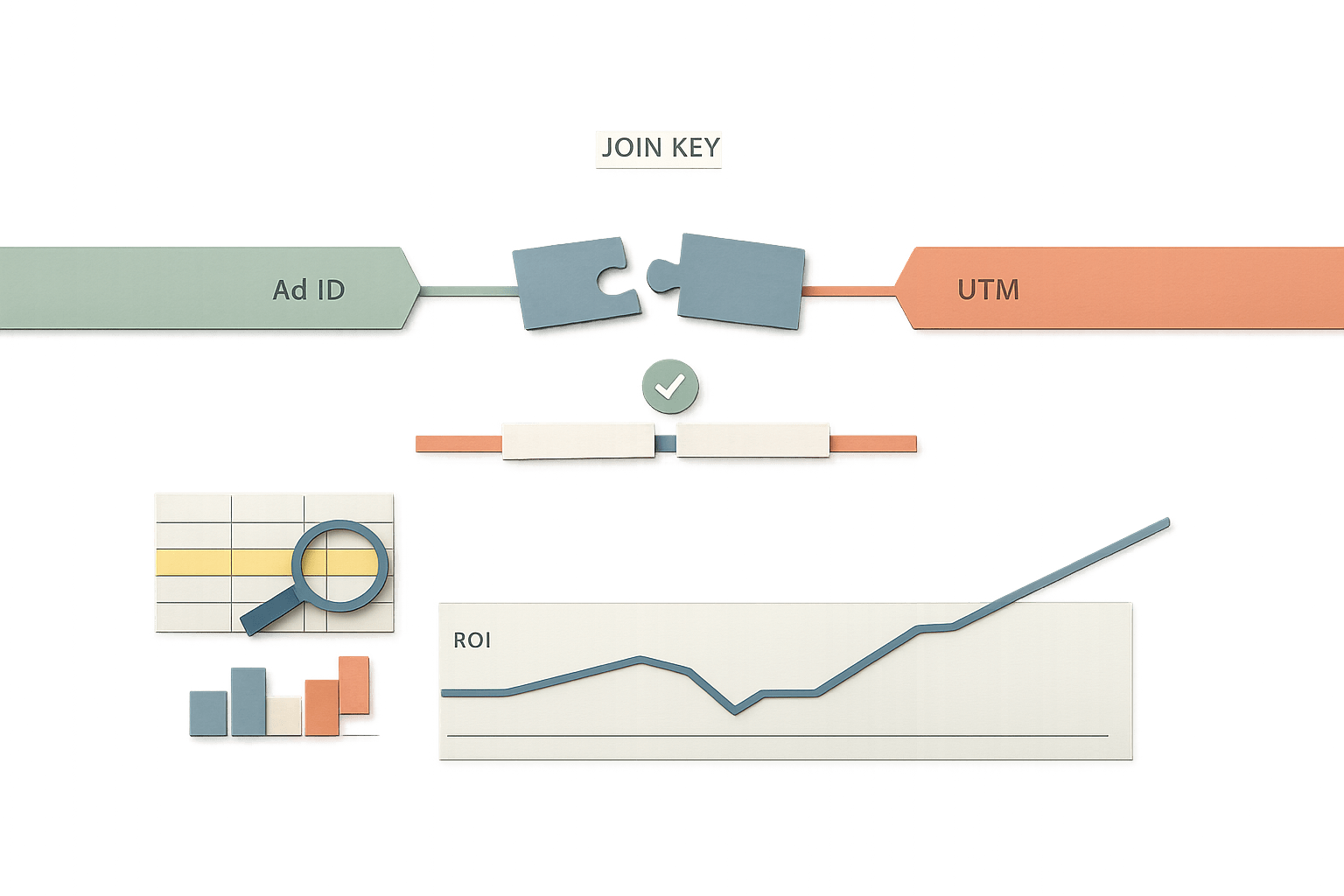
Metric ID Mismatch and Platform Renames That Break Marketing Time Series
Metric renames and deprecations can silently break KPIs. Learn how to detect drift, preserve definitions, and protect time series.
By Casey
The quiet failure mode behind “sudden” KPI shifts
Most marketing reporting errors aren’t caused by bad math. They’re caused by identity drift: the same “metric” stops being the same thing over time, even though your dashboard keeps plotting it as one continuous line.
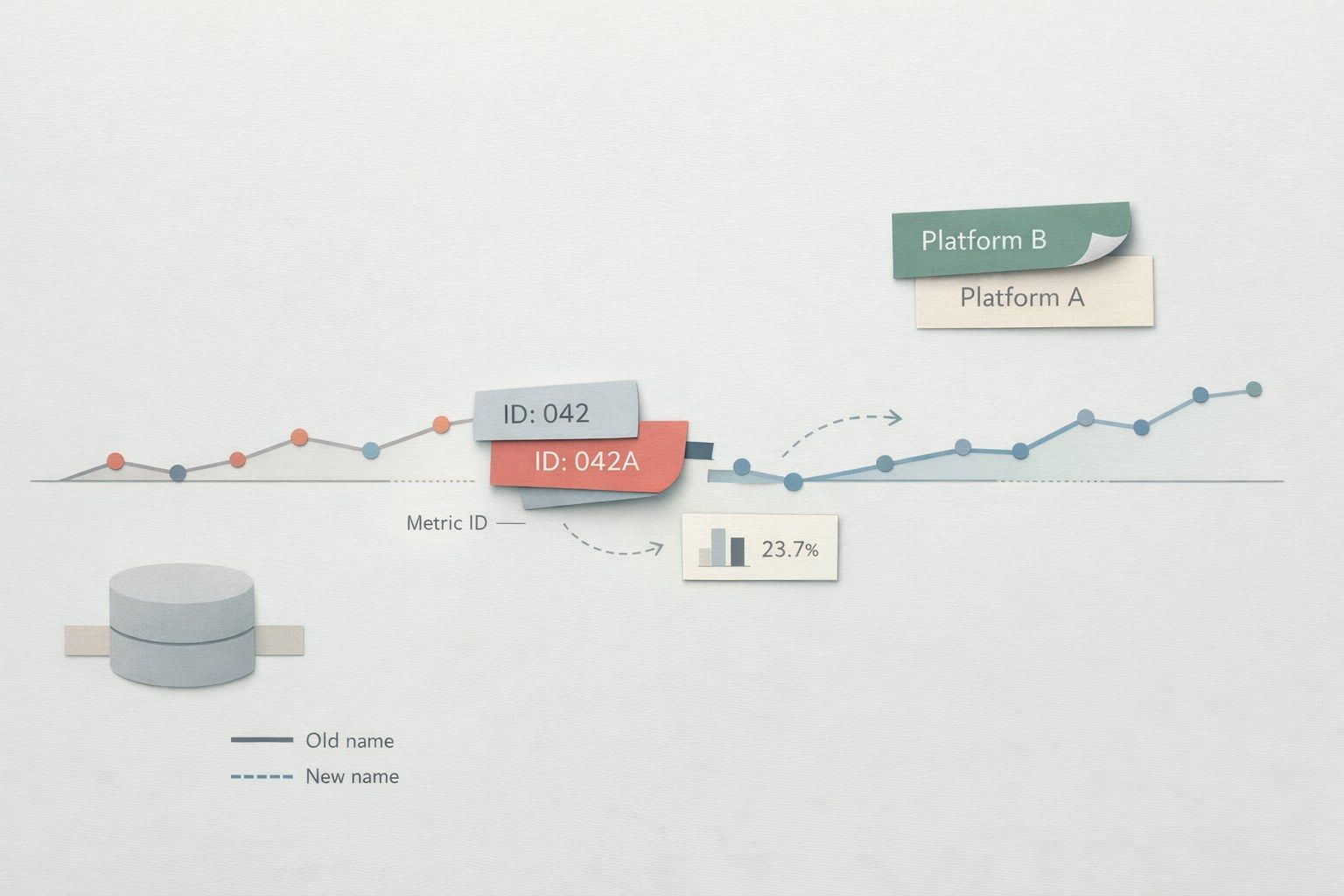
The usual culprit is a metric ID mismatch—when an ad platform renames, re-scopes, deprecates, or replaces a metric and your pipeline quietly maps the new identifier into the old field (or drops it). The result is a broken time series that looks like a performance change, but is actually a definition change.
This is especially damaging in blended reporting (paid + organic, multi-channel ROAS, pipeline revenue) because one silent break can contaminate every derived KPI downstream.
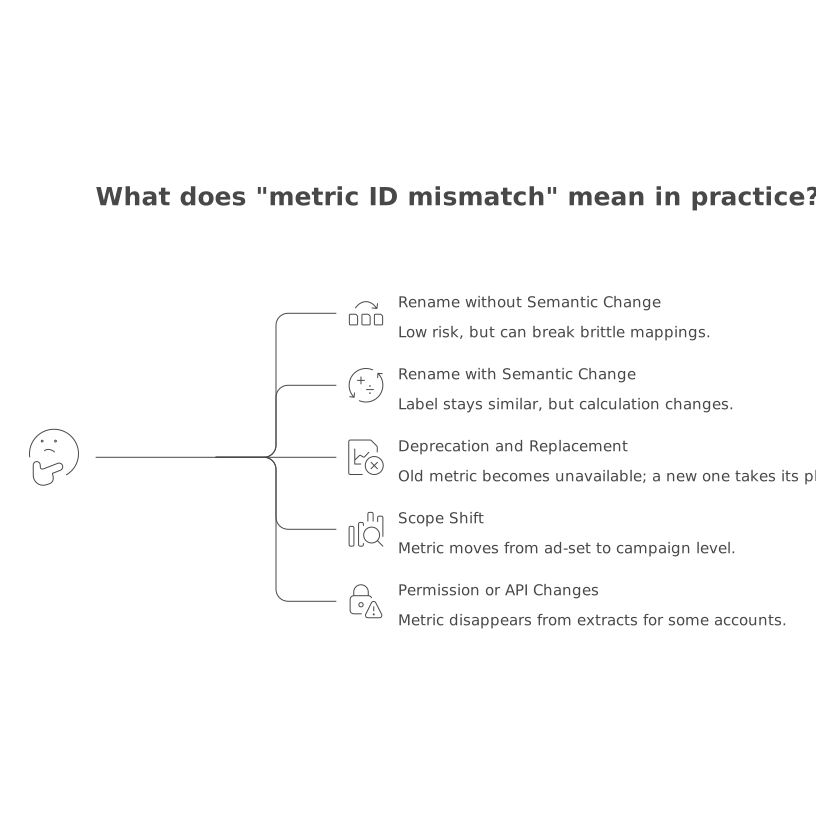
What “metric ID mismatch” really means in practice
Marketing platforms rarely treat metrics as just strings like “clicks” or “conversions.” Behind the UI labels are IDs, versions, attribution settings, and sometimes calculation logic that can change without warning. A mismatch happens when your pipeline assumes stability that the source platform doesn’t guarantee.
Common forms include:
- Rename without semantic change: label changes, ID remains stable. Low risk, but can still break brittle mappings.
- Rename with semantic change: label stays similar, but the calculation changes (e.g., modeled vs observed conversions).
- Deprecation and replacement: old metric becomes unavailable; a “new” metric with a new ID takes its place.
- Scope shift: metric moves from ad-set to campaign level, or from 7-day click to data-driven attribution.
- Permission or API surface changes: metric disappears from extracts for some accounts, regions, or consent states.
How platform changes break your time series
A time series breaks when historical values were collected under one definition and future values under another—yet your warehouse column stays the same. That break can present as:
- Step changes (overnight jump/drop) that look like performance swings.
- Gradual divergence if platforms roll out changes by account, geo, or campaign type.
- Unexplained nulls when the old metric is removed and the pipeline doesn’t backfill a replacement.
- Double counting if both old and new metrics are ingested and summed as if they were additive.
The most dangerous part is that nothing “fails.” Jobs run. Dashboards refresh. Stakeholders start reallocating budget.
Early warning signs you’re dealing with a metric identity problem
Metric ID mismatch tends to leave specific fingerprints:
- Only one metric changes while correlated metrics (spend, impressions) remain stable.
- Break aligns with a platform release window or a new campaign objective/format rollout.
- Disagreement between UI and warehouse increases over time, not randomly day to day.
- Derived KPIs drift (ROAS, CAC) while raw revenue or orders stay flat.
- Backfills “don’t match” when you re-pull the last 30–90 days.
Root causes inside typical pipelines
Hard-coded metric selection
If extracts rely on a fixed list of metric names or IDs, any upstream change becomes a downstream break. This is common in scripts, scheduled exports, and even BI connectors configured once and forgotten.
Weak metadata handling
Many pipelines treat metrics as values only, not as entities with definitions. Without storing metadata (source metric ID, attribution window, aggregation level, currency, etc.), you can’t prove that “this column is the same metric as last quarter.”
One column, many definitions
Teams often normalize everything into a single “conversions” field to simplify reporting. That helps usability—but if you don’t preserve provenance, you lose the ability to detect when “conversions” stopped meaning the same thing.
Prevention strategy: make metrics versionable, testable, and auditable
Preventing metric ID mismatch is less about any single tool and more about adopting data governance habits that expect change.
1) Store metric provenance alongside values
At minimum, keep fields that allow you to trace a number back to its definition:
- source_platform
- source_metric_id (or API field name)
- source_metric_label
- aggregation_level (account/campaign/ad)
- attribution_window / attribution_model (when available)
- extraction_timestamp and pipeline_version
This turns “mystery changes” into inspectable differences. It also gives you the option to re-map metrics without rewriting history blindly.
2) Treat metric mapping as code, not configuration
A mapping table that translates platform-specific metrics into standardized KPIs should be version-controlled and reviewed like application code. Each change should have:
- a clear reason (platform change, new objective, deprecation notice),
- an effective date,
- a backward-compatibility plan (restate history or create a new series).
If your organization is already modernizing job orchestration, the mindset from migrating cron sprawl to code-defined DAGs with traceability applies directly: you want observable, testable pipelines where definition changes are first-class events.
3) Add automated “definition drift” checks
Practical checks that catch identity breaks early:
- Schema and field availability tests: alert when expected metrics disappear or new similarly named metrics appear.
- Ratio guards: conversions per click, revenue per conversion, or CPA bands that trigger investigation when breached.
- UI-to-warehouse reconciliation sampling: a small daily/weekly compare for top campaigns to detect widening gaps.
- Backfill parity tests: re-pull last 7–14 days and compare to stored values to detect retroactive recalculations.
4) Decide explicitly: restate history or fork the metric
When a platform changes a metric definition, you have two honest options:
- Restate history: backfill prior periods using the new definition (when possible) so the series remains continuous.
- Fork the metric: create a new standardized metric (e.g., conversions_v2) and annotate dashboards to show the breakpoint.
What you should avoid is accidental restatement—mixing definitions without a documented choice.
Where Funnel.io fits in a durable metric governance approach
Teams usually hit metric ID mismatch once they scale beyond a few channels and spreadsheets. At that stage, the goal shifts from “get the data” to “keep it consistent.” A marketing data infrastructure layer can help enforce standardized naming, transformations, and repeatable delivery into your warehouse or BI environment.
Funnel.io is designed for exactly that type of operational reliability: connecting sources once, continuously refreshing data, and applying transformations such as naming harmonization, currency conversion, and KPI calculations before the numbers land in your reporting layer. The key benefit for time series integrity is reducing ad hoc, connector-by-connector metric handling—where mismatches tend to slip in unnoticed.
Operational playbook for the next platform rename
- Before changes hit: subscribe to platform changelogs and keep a living list of “critical metrics” with owners.
- When a discrepancy appears: check metric ID/field names, attribution settings, and aggregation level first—before questioning performance.
- After remediation: document the effective date, update mapping versions, and add a test so the same class of break is caught next time.
Metric stability is not a given in modern ad platforms. Your reporting has to be built to survive continuous change without rewriting your narrative every quarter.