Hardening Supabase Apps Built by AI Against Abuse With Rate Limits RLS and Audit Trails
Practical patterns to harden Supabase multi-tenant apps: rate limits, RLS structures, and audit trails that hold up under abuse.
By Casey
Abuse resistance is part of “done” for AI-generated Supabase apps
AI builders make it easy to ship a Supabase-backed prototype quickly. The tradeoff is that “works end-to-end” can arrive before guardrails do—especially in multi-tenant APIs where one mis-scoped query can become cross-tenant data exposure, and one missing throttle can become a bill spike. Hardening is less about adding one security feature and more about designing a few durable patterns: rate limiting, Row-Level Security (RLS) that cannot be bypassed, and audit trails that let you reconstruct what happened.
If you build on a standard React + Supabase stack and want to keep full code ownership, starting from a generator that produces real code (not a black box) makes these patterns easier to implement and review. That is one reason teams like to begin with lovable.dev for Supabase apps: you can iterate fast, then tighten the model with concrete policies, middleware, and database primitives.
Threat model first for multi-tenant Supabase APIs
Before you write a single policy, define what “abuse” means for your product. For most multi-tenant SaaS APIs, the recurring failure modes are predictable:
- Credential abuse: leaked API keys, session tokens, or overly permissive service-role usage.
- Enumeration: attackers iterate IDs (or slugs) to discover other tenants’ records.
- Resource exhaustion: high-frequency reads/writes, expensive filters, or large payload uploads.
- Logic abuse: valid users generating invalid workflows (spam invites, repeated exports, replaying webhooks).
- Silent privilege drift: “temporary” bypasses (service role in the frontend, admin endpoints without checks) that ship to production.
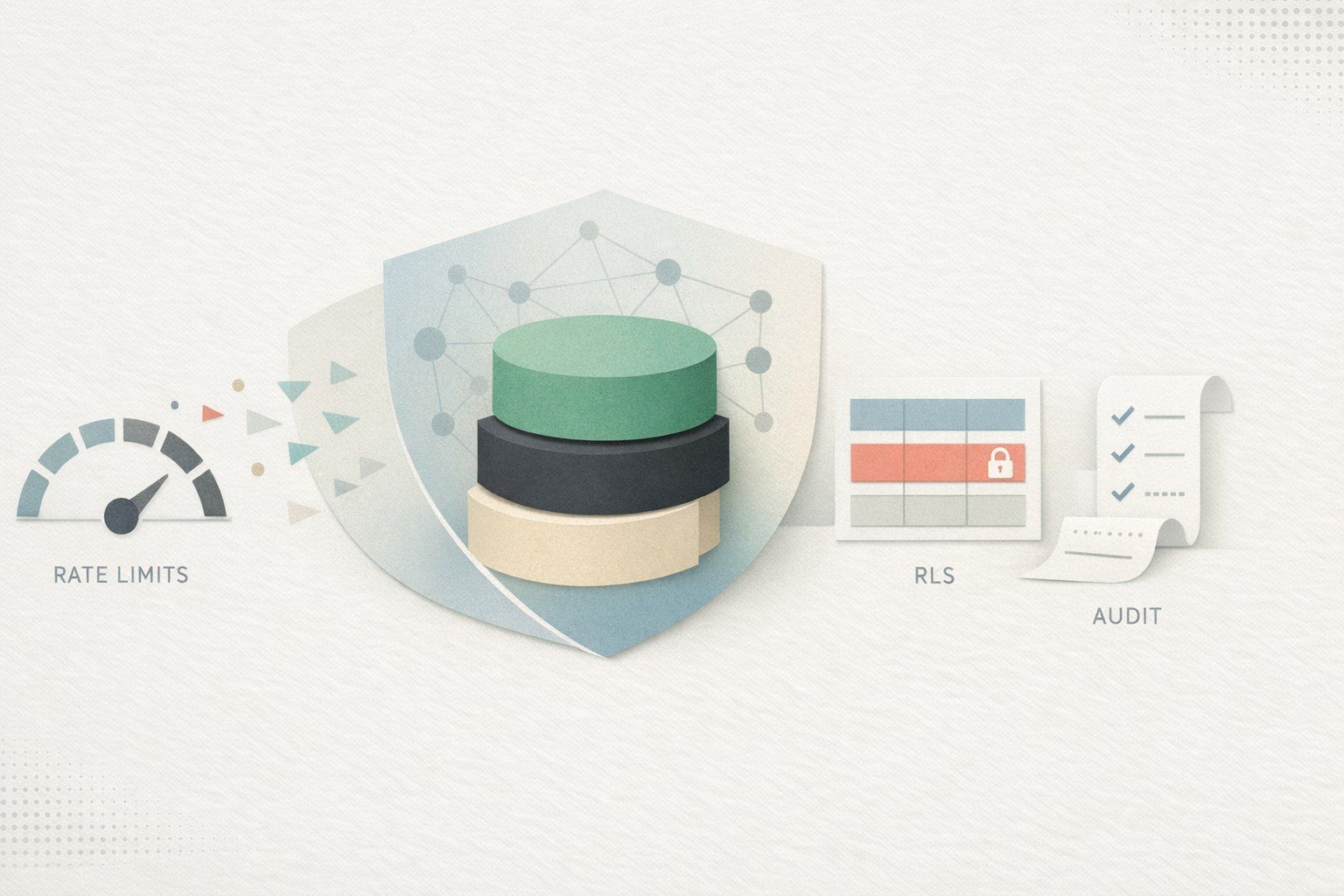
These map cleanly to three defensive layers: rate limits to cap volume, RLS to constrain access, and audit trails to see and prove what occurred.
Rate limiting patterns that fit Supabase deployments
Supabase gives you database primitives and auth; rate limiting is typically enforced at the API boundary. The key is to limit per identity and per tenant, and to differentiate by endpoint cost.
1) Separate “burst” limits from “daily” limits
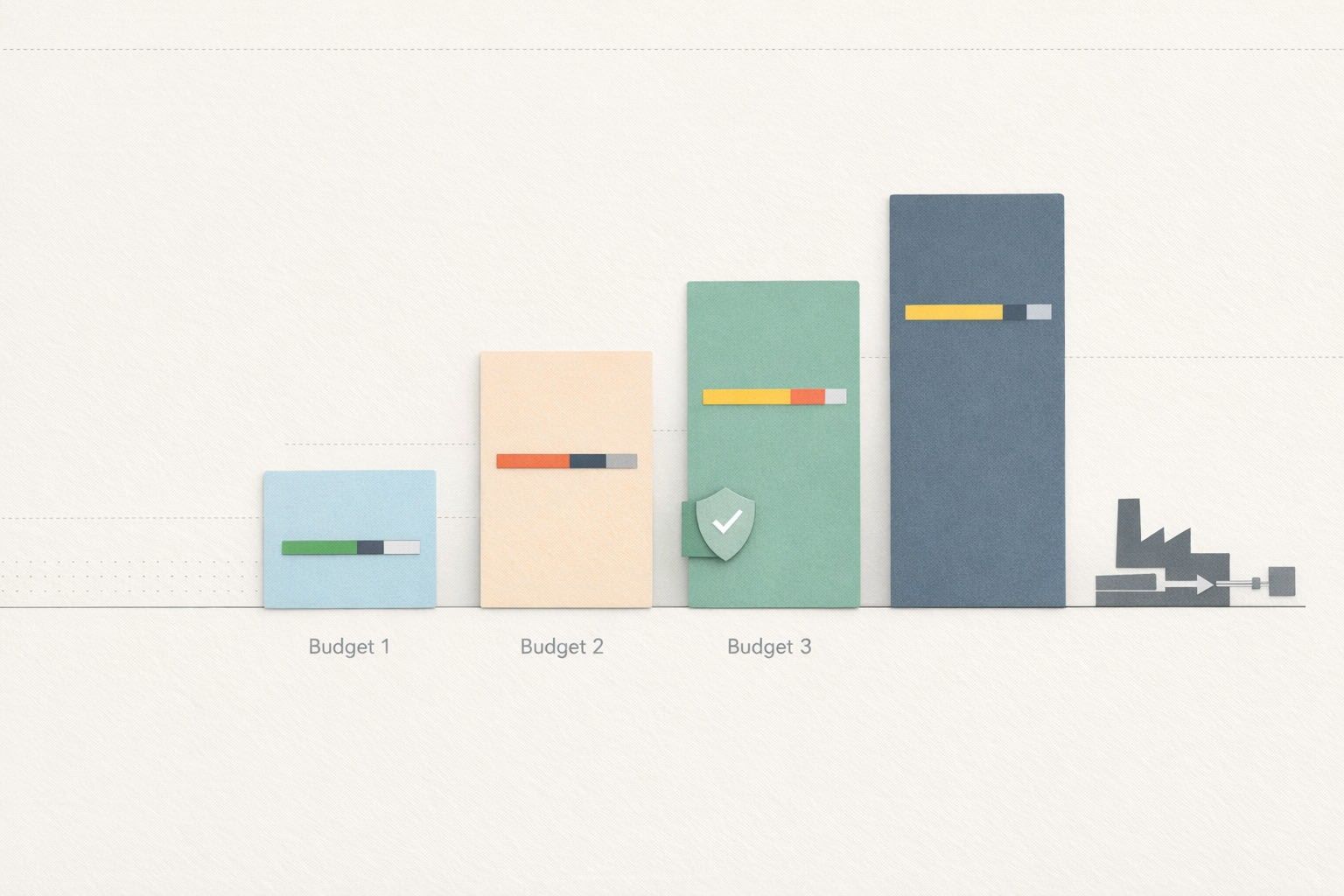
Use a short-window burst control (e.g., 10 requests/second) and a longer-window quota (e.g., 10,000/day). Burst limits protect reliability; daily quotas protect costs. This is especially important for AI-generated apps that accidentally create chatty clients (polling, repeated retries, or unbounded search-as-you-type).
2) Rate limit by user, tenant, and IP
In multi-tenant systems, per-user limits alone are not enough: one tenant may create many users or tokens. A practical scheme:
- Per user: keyed on
auth.uid()or API token subject. - Per tenant: keyed on
tenant_idderived from the user’s membership. - Per IP: a backstop for anonymous endpoints and bot traffic.
For endpoints like exports, embeddings, file uploads, and search, assign a higher “cost” weight and decrement quota accordingly rather than counting each request equally.
3) Keep the limiter state outside Postgres hot paths
It is tempting to store counters in Postgres, but that can become its own bottleneck under load. Prefer an edge or cache store (e.g., a key-value store) for counters, then reserve Postgres for authoritative state. If you do store counters in Postgres, use append-only events plus periodic aggregation, not row hot-spot updates.
4) Return actionable error responses
Abuse mitigation fails when legitimate clients cannot recover. Return a clear status code (429) and include retry hints. Also log the limiter decision (allowed/blocked, key, endpoint) to your audit stream so you can distinguish attack traffic from misconfigured clients.
Row-Level Security patterns for multi-tenant Supabase data
RLS is where Supabase can be unusually strong—if you commit to a few non-negotiables.
1) Make tenant scoping explicit in every table
For multi-tenant apps, the simplest durable structure is: every tenant-owned table has a tenant_id column. Avoid indirect scoping (“this record belongs to a project that belongs to a tenant”) unless you are prepared to encode those joins in policies and test them thoroughly.
If you do need indirection, consider denormalizing tenant_id anyway. It is not just for speed; it makes RLS readable and reviewable.
2) Use membership tables as the source of truth
Model membership explicitly:
tenantstenant_memberships(tenant_id, user_id, role)- domain tables that carry
tenant_id
Then write RLS policies that check membership. The pattern is stable, testable, and hard to “accidentally” bypass when AI-generated code evolves.
3) Prefer “deny by default” and narrow policies
Enable RLS on all tenant-owned tables and start with no policies. Add separate policies for SELECT, INSERT, UPDATE, and DELETE rather than one broad policy. It is more verbose, but it reduces surprising permission escalation.
4) Never ship the service role to the client
This is a common failure mode in generated apps: a developer pastes a service key into frontend code to “make it work.” In Supabase, the service role bypasses RLS. If you need privileged actions, place them behind server-side code (Edge Functions or your own backend) where you can enforce checks and log every action.
5) Use “security definer” functions carefully
Postgres functions can be powerful for encapsulating writes or complex logic, but they can also become an RLS bypass if marked incorrectly. If you use security definer functions, treat them like an API surface: validate tenant membership inside the function, validate inputs, and log.
Audit trails that are useful during incidents, not just compliance
An audit trail should answer three questions quickly: who did it, what changed, and from where. For multi-tenant systems, you also want: which tenant was impacted, and was it automated or human-driven.
1) Capture both API events and data changes
- API/audit events: authentication events, rate-limit decisions, privileged actions, webhook deliveries, and admin actions.
- Data change logs: inserts/updates/deletes for sensitive tables (billing, roles, access tokens, exports).
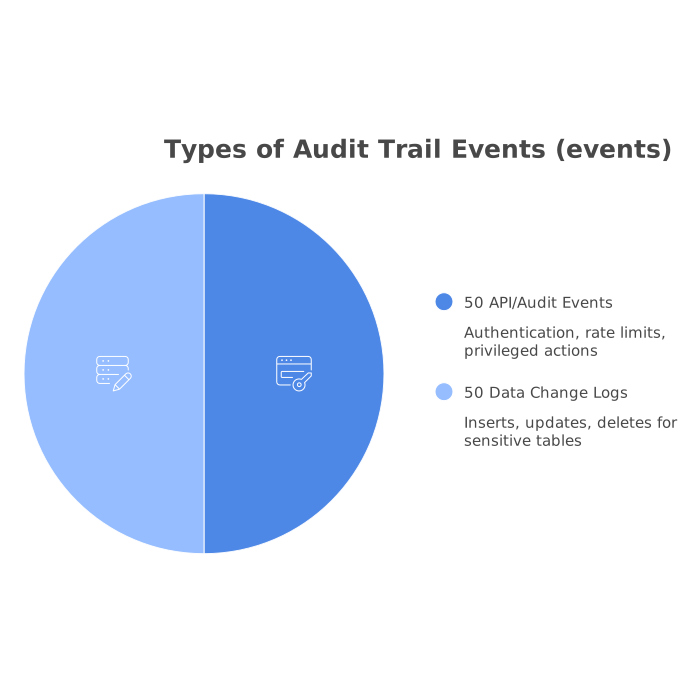
Relying only on application logs misses direct database activity; relying only on database logs misses the request context (IP, user agent, endpoint).
2) Store audit logs append-only and tenant-addressable
Make audit tables append-only, with immutable rows. Include tenant_id, actor_user_id (nullable for system), action, entity_type, entity_id, metadata (JSON), ip, and created_at. Index by (tenant_id, created_at) so support can query quickly during an incident.
3) Add correlation IDs end-to-end
Assign a request ID at the edge and pass it into your API layer and database writes (as metadata). When abuse happens, correlation IDs let you stitch together: rate-limit decision → endpoint call → database mutation → external side effects.
If your organization is already investing in traceability for scheduled jobs or integrations, the same mindset applies here. A related operational pattern is captured in migrating cron sprawl to code-defined DAGs with OpenTelemetry traceability, where correlation and observability turn debugging from archaeology into a query.
Testing and review workflows that catch AI-generated security regressions
AI-generated code changes quickly, so hardening needs regression protection:
- RLS unit tests: run queries as different users and tenants; assert both allowed and denied cases.
- Schema linting: fail builds if a tenant-owned table lacks
tenant_idor RLS is disabled. - Endpoint inventories: maintain a list of “expensive” endpoints with explicit rate-limit tiers.
- Security center habits: review environment variable exposure and ensure no service keys are bundled client-side.
On teams moving fast, it also helps to standardize how product context connects to permissioning. Multi-tenant permissions and feedback systems often intersect (e.g., feature request portals, support tooling). If you consolidate identities across channels, you can reduce accidental duplicate access paths; see building a feedback identity graph for a practical perspective on merging identities without losing context.
A pragmatic hardening checklist for Supabase multi-tenancy
- Every tenant-owned table has
tenant_idand RLS enabled. - Policies are membership-based, narrow per action, and deny-by-default.
- No service role keys in clients; privileged operations run server-side.
- Rate limits apply per user, per tenant, and per IP with endpoint cost tiers.
- Audit logs are append-only, indexed, and include correlation IDs plus request context.
These patterns are not exotic, but they are the difference between a demo that works and a product that survives real traffic. When your app is generated and iterated quickly, the goal is to encode the guardrails into the database and edge layers so the app can evolve safely.