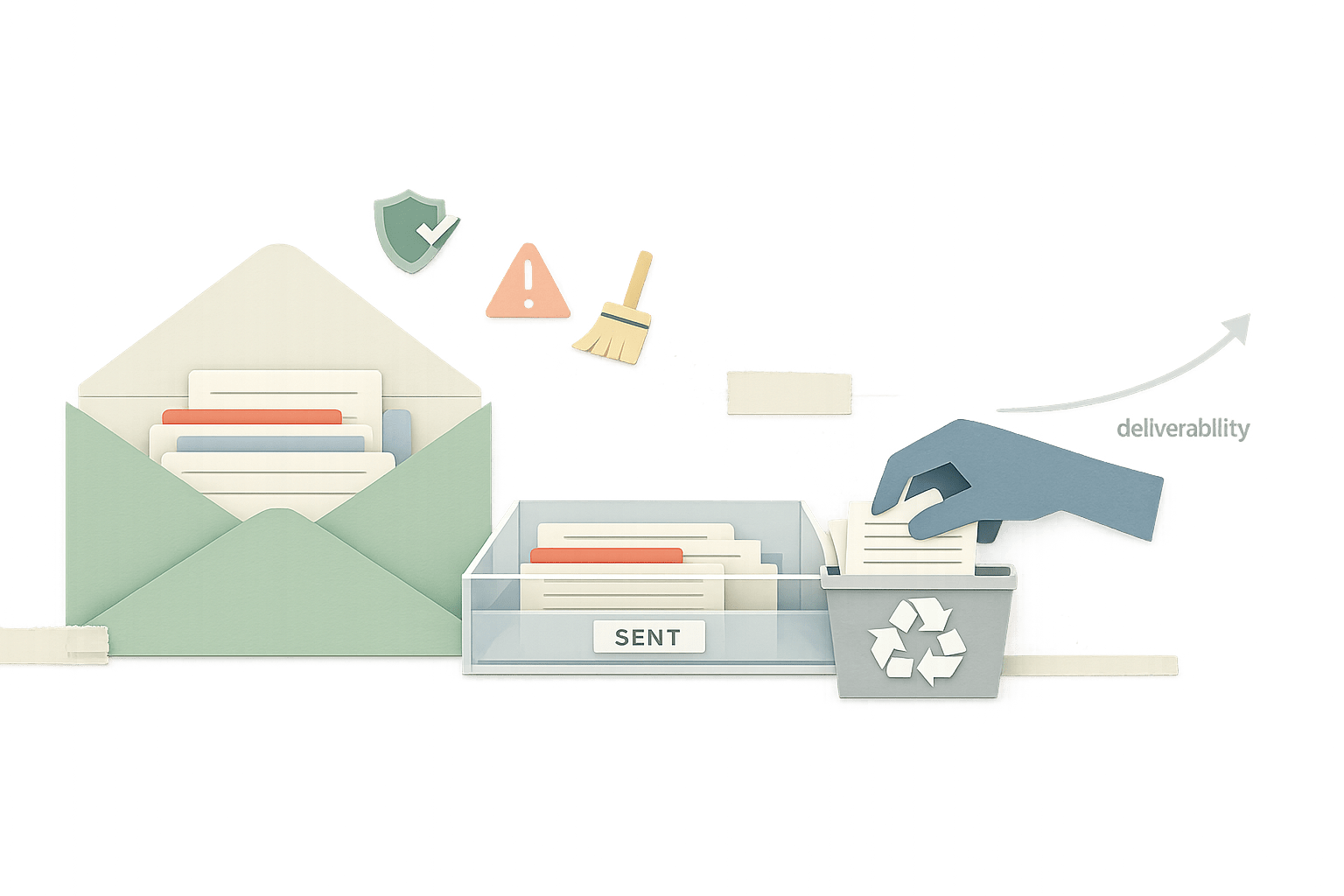
How Cleaning Your Sent Mailbox Can Improve Email Deliverability
Cleaning your Sent mailbox reveals follow-up and spam-loop patterns that quietly shape engagement and improve deliverability.
By Casey
The hidden deliverability lever sitting in your Sent folder
Most outbound deliverability advice focuses on what happens before you hit “Send”: authentication, list hygiene, copy, and warming. But mailbox providers also infer whether you’re a “good sender” from what happens after messages land—especially how real people interact with your mail over time.
That’s where an often overlooked side effect of “Inbox Zero” shows up: cleaning up your own sent mailbox and keeping your outbound history tidy can quietly reduce risk signals and support healthier engagement patterns. It’s not a magic switch, and it doesn’t replace fundamentals like SPF/DKIM/DMARC or warmup. Yet it can remove small, compounding friction points that otherwise nudge your sending behavior toward patterns filters don’t like.
Why your Sent mailbox matters more than you think
Your Sent folder is more than an archive. It’s a behavioral record: who you email, how frequently you follow up, whether you leave unresolved threads, and how often you keep pushing messages into dead conversations. When you operate in high volume—sales outreach, partnerships, customer comms—those patterns can drift into “spray and pray” without anyone intending to.
Cleaning up sent mail is really about auditing outbound behavior at the source. The goal is to stop accidental behaviors that correlate with poor engagement: repeated follow-ups to non-responders, continued emailing of addresses that never open, and cycles that generate complaints or spam reports.
Three Sent folder cleanups that can influence deliverability
1) Archived threads that hide recurring follow-up mistakes
Archiving is useful—until it becomes a way to ignore patterns. In many teams, outreach threads get archived automatically or disappear into labels. Weeks later, a rep (or an automation) follows up again because nothing is visible in the inbox. The result is unintentional over-contacting.
Cleanup action: Pull up your sent mail by conversation and scan for threads with multiple “Just checking in” messages and no recipient response. If you see long chains with zero engagement, that’s a signal to:
- Stop the sequence for that contact.
- Reduce follow-up count for similar segments.
- Adjust targeting so you’re emailing people more likely to respond.
Even if you use an outbound tool, doing this audit inside the mailbox catches real-world behavior: manual replies, forwarded intros, and one-off follow-ups that never get logged properly elsewhere.
2) Unreplied chains that create “silent engagement debt”
Unreplied outbound isn’t just a sales KPI problem; it becomes an engagement debt problem. When your sent history is dominated by messages that never get opened or replied to, your future mail is more likely to be treated as low-value—especially when volume increases.
Cleanup action: Build a simple “unreplied sent” review habit:
- Once a week, filter Sent for the last 14–30 days and sort by recipients you contacted multiple times.
- Tag or label contacts with no engagement after X touches (choose a number your team can enforce).
- Remove them from future outbound, or move them into a slower, opt-in nurture path.
This is also where process helps. Teams that treat outbound like operational work tend to do better. The same mindset used in a feedback triage playbook applies here: dedupe, route, and close loops rather than letting “open threads” accumulate.
3) Spam-report feedback loops you can miss if you never look back
Spam complaints are not always visible in your mailbox UI, but they show up indirectly: sudden drops in replies, spikes in bounces, deliverability swings, or recipients telling you “I marked this as spam.” If your sent mail is messy, it’s harder to connect those dots to the specific campaign, segment, or message type that triggered the negative signal.
Cleanup action: When you suspect a complaint spike or inbox placement issue, use your Sent folder to reconstruct what changed:
- What subject lines and templates were used?
- Which domains were targeted heavily (Gmail, Outlook, corporate MX)?
- Did follow-up density increase?
- Were you replying inside existing threads or starting new ones?
That retrospective is a practical alternative to guessing. It also helps you fix “feedback loops,” where a small deliverability drop leads to more follow-ups (“they didn’t respond”), which leads to more complaints and lower placement.
A practical Sent-mailbox cleanup workflow
Step 1: Create three views you can revisit
- High-follow-up threads: conversations with 3+ sends and no reply.
- Cold domains: recipients at domains where you rarely get engagement.
- Risky categories: “promo-like” copy, attachments, or link-heavy messages.
You’re not trying to police every message. You’re trying to spot repeatable patterns worth changing.
Step 2: Set “stop rules” for outbound
Deliverability improves when you send fewer unwanted emails, not when you send more clever ones. A simple policy can do more than another template iteration. Example stop rules include:
- Pause after two follow-ups with no opens (if you have tracking) or no replies (if you don’t).
- Stop immediately after any “remove me” or negative reply.
- Slow down cadence if replies drop week-over-week.
These rules only work if your Sent mailbox is clean enough to audit and enforce.
Step 3: Use warmup to stabilize reputation while you fix behavior
If you’re already seeing deliverability volatility, mailbox hygiene alone won’t repair reputation quickly. You need consistent, positive engagement signals while you reduce risky sending patterns. That’s the context where a warmup and deliverability platform like mailwarm fits naturally: it helps build and maintain sender reputation by generating authentic engagement activity across major providers, which can make your day-to-day outbound less fragile while you tighten operations.
The key is sequencing: fix the outbound behaviors that created engagement debt, and use warmup to support a steadier reputation profile as volume ramps.
What this does and does not change
What sent-mailbox cleanup can improve
- Follow-up discipline: fewer repeated sends to uninterested recipients.
- Segment clarity: faster identification of audiences that never engage.
- Operational visibility: clearer root-cause analysis when placement drops.
What it won’t replace
- Proper authentication and domain alignment.
- List acquisition standards and consent management.
- Content and cadence testing.
- Infrastructure choices (shared vs dedicated IP, provider throttling, etc.).
Think of this as “sender operations.” The same way engineering teams reduce incidents by cleaning up observability and workflows, outbound teams reduce deliverability issues by cleaning up the behavioral residue inside their own mailbox. If you want that mindset applied end-to-end across operations, the ideas in auto-updating issue workflows map well to outbound too: fewer dangling threads, clearer ownership, and cleaner feedback loops.