From Merged PR to Shipped Release Notes With an Auto-Updating Issue Workflow
A practical workflow to auto-update issues from merged PRs to shipped releases, keeping scope and release notes accurate.
By Casey
Design a workflow where issues update themselves
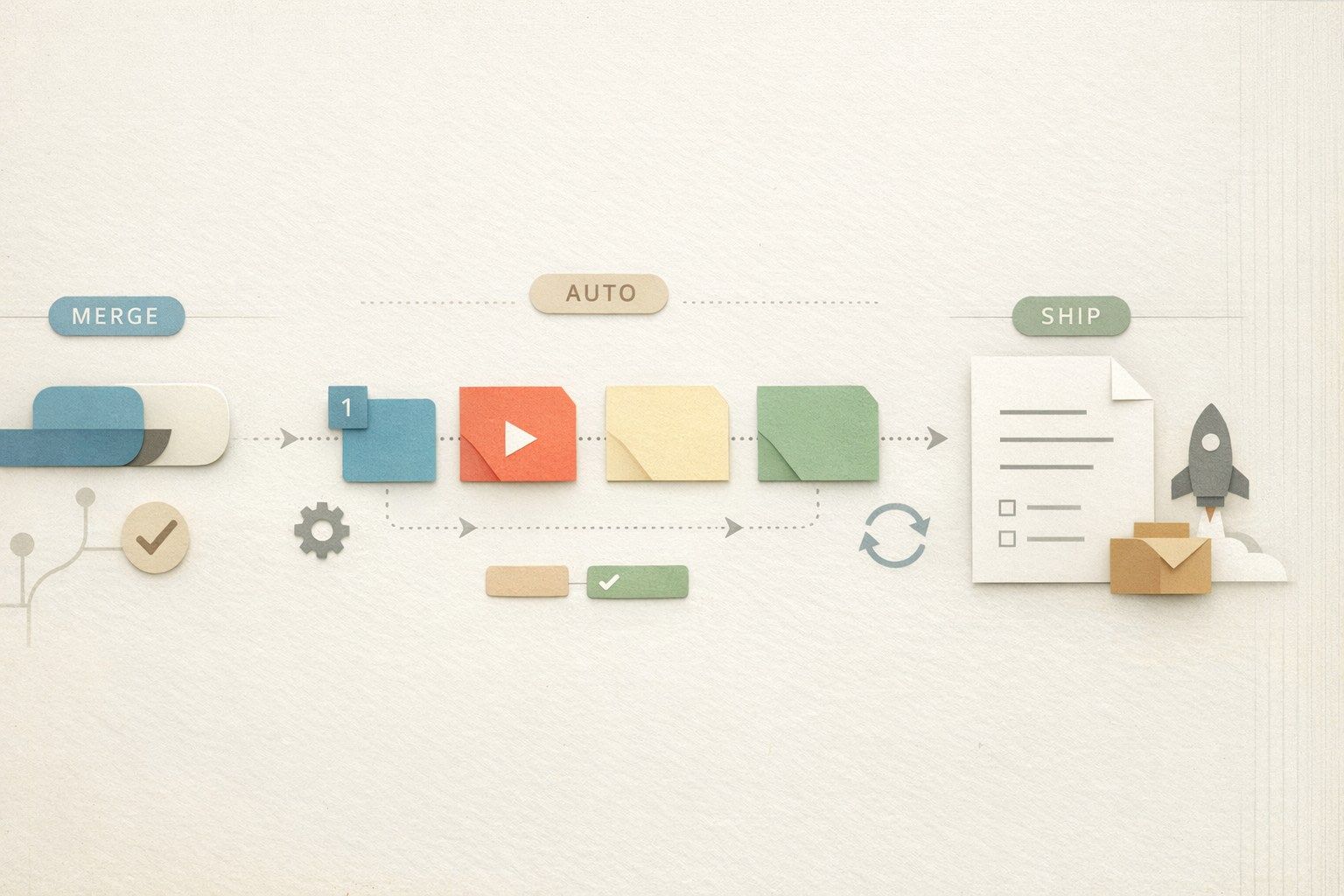
The fastest teams don’t just move tickets across columns—they build a pipeline where the system updates status, scope, and release notes as engineering work progresses. A “merged-PR to shipped” workflow links four things that typically drift out of sync: the issue, the pull request, the deployment, and the customer-facing changelog.
In practice, this means: when a PR merges, the issue reflects the new reality (implementation done); when the code ships, the issue becomes “shipped” without manual nudges; and release notes are generated from structured issue data rather than memory. Tools like linear.app are designed for this style of execution—tight workflows, strong integrations, and a bias toward clarity over ceremony.
The core model: statuses as events, not opinions
Most workflow pain comes from treating statuses as subjective (“I think it’s ready”) instead of event-driven (“the PR merged”). To make automation reliable, define a small set of statuses that map cleanly to observable events:
- Triage: acknowledged, awaiting sizing or routing
- Scoped: acceptance criteria and effort are defined
- In Progress: active implementation work exists
- In Review: at least one PR is open and under review
- Merged: implementation merged to the mainline branch
- Shipped: deployed to production (or released to target audience)
This doesn’t require more stages than you already use; it requires stages with unambiguous triggers. When triggers are clear, you can trust automation—and when you trust automation, the workflow becomes a pipeline instead of a to-do list.
Define scope so it can survive the merge
Scope typically changes the most between “scoped” and “merged.” If you want auto-updates to remain accurate, you need a predictable place to store scope decisions and a way to detect changes.
Use structured fields for scope, not just free text
Keep the “what are we shipping?” signal in structured properties that downstream automation can read:
- Labels for feature area and customer impact (e.g., Billing, Reporting, UX)
- Estimate / size that matches your team’s planning model
- Release target such as cycle, milestone, or version
- Customer-facing summary (a short release note line, separate from internal details)
Then keep free text for context: decision logs, tradeoffs, and implementation notes. The automation reads the structured fields; humans read the narrative.
Make “scope change” explicit
When a PR reveals missing requirements or a larger refactor, don’t rely on teammates to notice comment threads. Add a lightweight convention: a “Scope changed” label or a dedicated custom field value. That single bit unlocks reporting (“how often do we under-scope?”) and helps release-note generation avoid overpromising.
Wire the merged-PR trigger to status and metadata
The merge event is the first moment where reality becomes durable: code is now part of the product’s mainline. Your workflow should treat merge as a state change, not just a Git detail.
Connect PRs to issues consistently
Automation is only as good as your linking discipline. Pick one method and enforce it:
- Branch naming includes the issue key (e.g., LIN-123-add-invoice-filter)
- PR title includes the issue key
- PR description references the issue and intended release note line
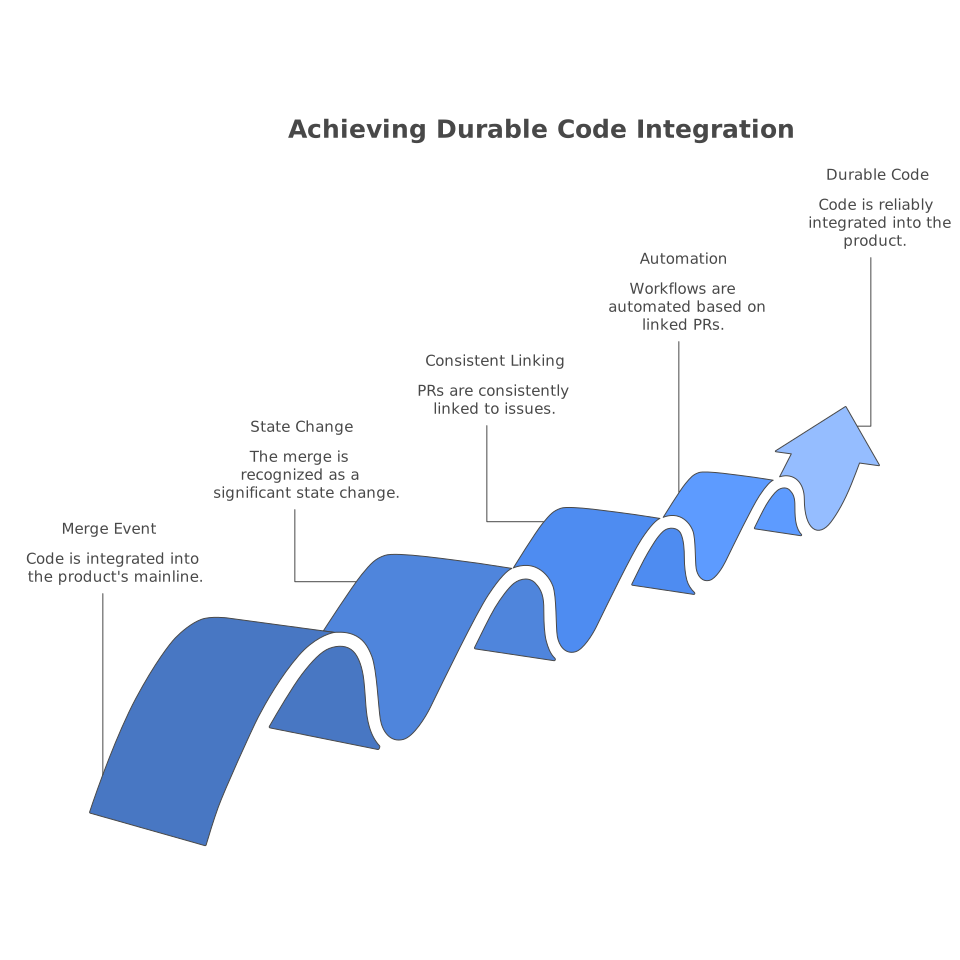
When tools can reliably infer the relationship, you can auto-transition to “In Review” when a PR opens and to “Merged” when it lands.
Update more than just status
On merge, update the issue in ways that reduce future work:
- Auto-assign to the merge author or keep the original owner—choose one standard
- Set “ready to ship” flags (or move to a “Deploy” swimlane) for release owners
- Capture shipped content candidates by freezing the customer-facing summary at merge time
Freezing the release-note line on merge prevents last-minute rewrites that don’t match what actually changed in the code.
Make “shipped” an environment event, not a human checkbox
The second half of the pipeline fails when “Shipped” means “I think it’s in prod.” Instead, tie shipment to your deployment system.
Pick a shipping signal and standardize it
Depending on your stack, your shipped trigger might be:
- A successful production deployment
- A release tag created
- A feature flag enabled for 100% of users
- A mobile app version approved and rolled out
The important part is choosing a single source of truth per product surface and using it consistently. If you have multiple environments and gradual rollouts, model “Shipped” as “available to intended audience” rather than “merged.”
Handle partial rollouts without breaking the workflow
Teams often avoid automation because reality is messy: canary deploys, phased rollouts, enterprise-only releases. The fix is to represent rollout state explicitly:
- Release channel (Internal, Beta, GA, Enterprise)
- Rollout percentage or a simple “Limited / Full” indicator
- Ship date captured automatically when the deployment event occurs
With these fields, you can still auto-transition to “Shipped” when the correct threshold is reached, while keeping nuance for stakeholders.
Generate release notes from issues without turning them into marketing copy
Release notes work best when they are small, accurate, and repeatable. The goal isn’t prose; it’s trustworthy change communication.
Use a dedicated customer-facing summary field
Relying on the issue title is risky: titles are optimized for engineering, not users. A short “Release note line” field should be required before an issue can enter “Merged” (or at least before “Shipped”). Keep it factual and outcome-based:
- Good: “Added invoice filtering by date range.”
- Not ideal: “Refactored billing query builder.”
Group and publish by milestone or cycle
To ship consistent notes, group “Shipped” issues by a release container (version, milestone, or cycle). This turns publishing into a selection problem (“include these labels/channels”) rather than a writing scramble.
If your team also wants better intake discipline, pair this pipeline with a formal triage approach—this complements a structured workflow such as the feedback deduping and routing approach described in Feedback Triage Playbook for Deduping and Routing Product Requests.
Operational safeguards that keep automation trustworthy
Define ownership for the gap between merged and shipped
Once issues can auto-move to “Merged,” you’ll see a real backlog: work that’s done but not shipped. Assign ownership explicitly—often a release captain or on-call engineer—so this stage doesn’t become a limbo column.
Instrument the pipeline so it can be improved
Auto-updates make your data cleaner, which enables better metrics: lead time (merged-to-shipped), review time, and scope-change frequency. If you already invest in traceability, you can extend the same mindset beyond deploys into operational workflows; the principles align with building observable pipelines like those in Migrating Cron Sprawl to Code-Defined DAGs With OpenTelemetry Traceability.
Plan for exceptions without manual chaos
Every system needs escape hatches: reverted PRs, hotfixes, and “merged but behind a flag.” Add explicit states or tags for these exceptions so automation doesn’t mislabel work. The objective isn’t perfection; it’s making the default path effortless while keeping edge cases legible.