Incremental UI Performance Budgets for No‑Code Apps Without Surprises in Production
Incremental UI budgets help no-code apps catch render, network, and component regressions early—before production users feel them.
By Casey
Incremental UI performance budgets for no-code apps
Performance issues in no-code apps rarely come from a single “bad screen.” They accumulate: a heavier data source, one more component with a big DOM footprint, a new library in a custom widget, a dashboard view that quietly doubled its network requests. The practical fix is not a one-time optimization sprint, but an incremental UI performance budget that makes regressions visible while they’re still easy to undo.
This approach fits visual builders especially well because changes happen frequently and are often made by multiple roles. Platforms like weweb.io make it straightforward to iterate quickly; a budget adds guardrails so speed of delivery doesn’t become a hidden performance tax.
What a “budget” means in UI performance
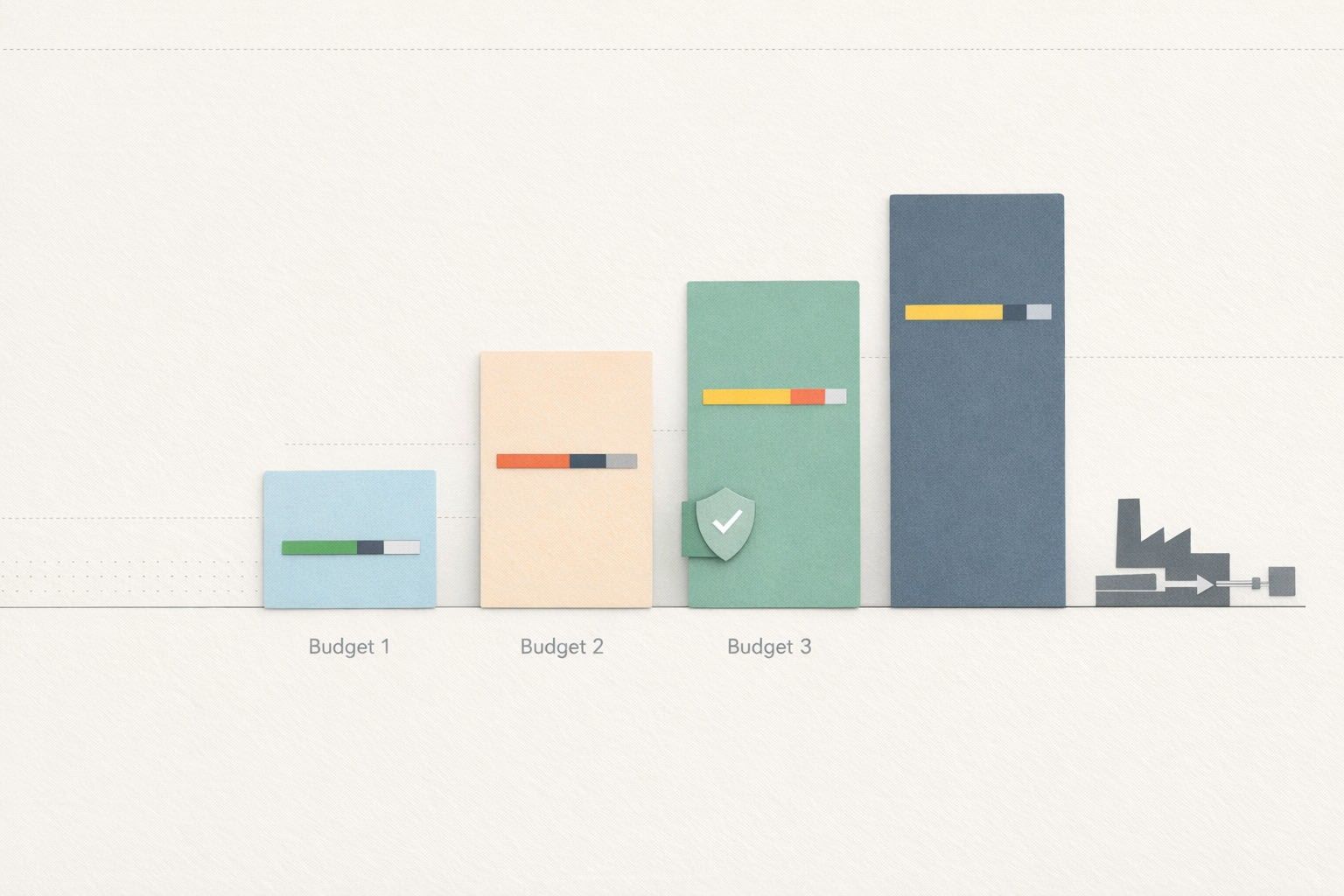
A performance budget is a set of measurable limits that you treat like product requirements. For no-code apps, the most useful budgets are incremental: you baseline each key page or flow, then enforce “no worse than X” on every change. Budgets should be specific enough to catch real regressions, but simple enough that teams will actually check them.
Three budget categories cover most production surprises:
- Render cost: how expensive it is for the browser to build and update the UI.
- Network waterfalls: how requests stack up, block each other, and delay usability.
- Component hotspots: which widgets or sections are responsible for most of the time and work.
Measuring render cost before it reaches users
Render cost is where no-code apps can drift: a “simple” page becomes a large component tree, repeated lists get heavier, and reactive state changes trigger more work than expected. You want to measure two things consistently: first render and interaction updates.
Choose metrics that reflect real user pain
For budgeting, focus on metrics that map to perceived responsiveness:
- Time to first useful paint for a page (not just “blank to something,” but “user can start”).
- Long tasks (e.g., main-thread blocks that make the UI feel frozen).
- Interaction delay during common actions (filtering, tab switching, expanding rows).
In practice, you can record these with browser performance tooling on a consistent test device profile and a consistent dataset size. The key is repeatability, not perfection.
Set a baseline per route and per dataset size
No-code apps often have variable data volumes. A budget tied to “the happy path with tiny data” won’t protect you. Baseline at least two scenarios for each critical route:
- Typical: representative account and dataset size.
- Heavy: a top-percentile dataset (e.g., many rows, more permissions, more fields).
Then define an allowed delta per change, such as “no more than +10% long-task time on the heavy scenario” or “no more than +150ms on first useful paint.” Incremental deltas are easier to enforce than absolute targets when you’re shipping frequently.
Reading network waterfalls like a budget report
Network waterfalls are where teams get surprised: the UI is fast locally, but production latency turns “many small requests” into seconds of waiting. A budget here is less about raw bandwidth and more about request shape, sequencing, and caching behavior.
Budget what matters: count, critical path, and duplication
For each key page, track:
- Total request count and total transferred for first load.
- Critical requests that must complete before the UI is usable (auth, config, initial data).
- Duplicate fetches (same endpoint called multiple times due to component mounting patterns).
In no-code environments, duplication often comes from components that each “own” their data fetching. A budget makes this visible, and encourages a pattern of shared queries, route-level loaders, or cached stores.
Make waterfalls comparable across builds
To avoid noise, standardize your measurement conditions:
- Use the same throttling profile (latency and bandwidth) to mimic real users.
- Use the same account state and permissions (multi-tenant rules can change what loads).
- Measure both cold cache and warm cache, then budget both.
This is also where tenant architecture matters: if you’re designing stricter boundaries, keep budgets per tenant scenario. If you’re working on isolation patterns, the engineering considerations overlap with topics like edge-enforced tenant isolation because data access policies can change query patterns and caching strategies.
Finding component hotspots in visual builders
“Component hotspots” are the specific widgets, sections, or patterns that generate outsized render or network cost. In no-code apps, hotspots commonly include large tables, nested repeaters, complex conditional rendering, charts with heavy DOM/SVG, and custom coded components that re-render too often.
Hotspots usually come from one of four causes
- Too many nodes: the DOM tree is simply large (repeaters with rich rows).
- Too much reactive churn: state changes trigger wide re-renders.
- Costly layout/paint: large sticky headers, shadows, complex CSS, heavy charts.
- Fetch-on-mount patterns: each component loads its own data independently.
Once you know which cause you’re dealing with, the fix becomes predictable: paginate/virtualize lists, narrow reactivity scope, simplify CSS, consolidate queries, or cache shared data.
Budget components, not just pages
Page-level budgets catch regressions, but they don’t tell you where to look. Add a “top offenders” report for each critical route:
- Top 3 components by render time during initial load.
- Top 3 components by re-render count during a key interaction.
- Top duplicated requests by initiator.
This makes performance review actionable for mixed teams, including designers and no-code builders, because it points to concrete parts of the UI rather than abstract metrics.
How to operationalize incremental budgets in a no-code workflow
A budget only works if it’s part of the build rhythm. The simplest operating model looks like this:
- Pick 5–10 critical routes: sign-in, onboarding, core dashboard, primary CRUD flows.
- Define a baseline for render cost and network waterfall per route (typical + heavy).
- Set deltas: the allowed regression per change (small, explicit).
- Review on every release candidate: if a delta is exceeded, you either optimize or explicitly accept the cost.
To keep the process lightweight, treat it like a safety check, not a full audit. The goal is to catch “slow creep” early. If you maintain internal automations around releases, you can also align this with reliability practices that prevent hidden failures, similar in spirit to typed validation and rollbacks for automations: define what “good” looks like, then fail loudly when it’s violated.
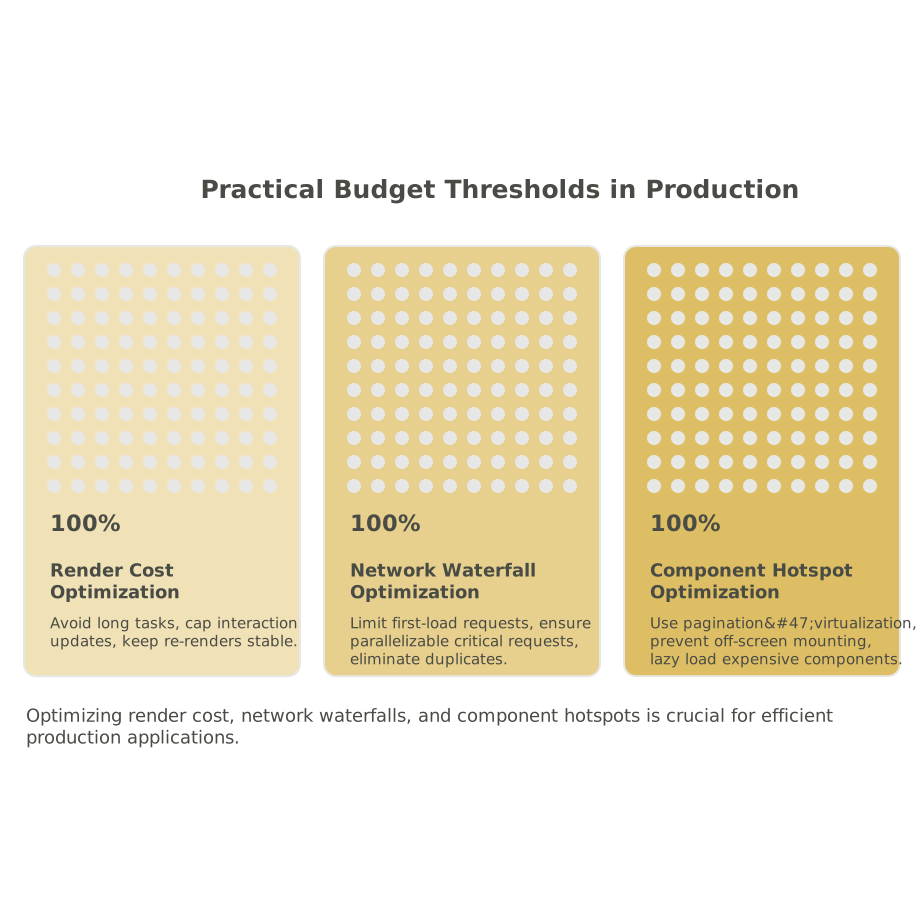
Practical budget thresholds that work well in production
Exact numbers vary by audience and app complexity, but these patterns tend to be effective:
- Render cost: avoid adding new long tasks; cap interaction updates to a small, consistent window; keep re-render counts stable for key components.
- Network waterfalls: keep first-load requests from growing without justification; ensure critical requests are few and parallelizable; eliminate duplicated fetches.
- Component hotspots: require pagination/virtualization above a row threshold; prevent heavy components from mounting off-screen; isolate expensive custom components behind lazy loading.
Budgets are most valuable when they are enforceable. If a threshold is hard to measure or hard to interpret, it won’t be used. Start simple, then tighten as your team builds confidence.
Where WeWeb fits into a performance budget mindset
No-code performance work is easier when you can inspect, control, and extend the app when needed. WeWeb’s model of producing a standard Vue.js single-page application and supporting custom coded components makes it practical to apply the same performance discipline you’d use in a coded front end—while still iterating visually. The budget is your bridge between rapid UI iteration and production-grade behavior: you can ship quickly, but you also keep a running ledger of render cost, network shape, and hotspots so surprises don’t reach users.